How to start saving money
Lorem ipsum dolor sit amet, consectetur adipiscing elit lobortis arcu enim urna adipiscing praesent velit viverra sit semper lorem eu cursus vel hendrerit elementum morbi curabitur etiam nibh justo, lorem aliquet donec sed sit mi dignissim at ante massa mattis.
- Neque sodales ut etiam sit amet nisl purus non tellus orci ac auctor
- Adipiscing elit ut aliquam purus sit amet viverra suspendisse potent
- Mauris commodo quis imperdiet massa tincidunt nunc pulvinar
- Excepteur sint occaecat cupidatat non proident sunt in culpa qui officia
Why it is important to start saving
Vitae congue eu consequat ac felis placerat vestibulum lectus mauris ultrices cursus sit amet dictum sit amet justo donec enim diam porttitor lacus luctus accumsan tortor posuere praesent tristique magna sit amet purus gravida quis blandit turpis.

How much money should I save?
At risus viverra adipiscing at in tellus integer feugiat nisl pretium fusce id velit ut tortor sagittis orci a scelerisque purus semper eget at lectus urna duis convallis. porta nibh venenatis cras sed felis eget neque laoreet suspendisse interdum consectetur libero id faucibus nisl donec pretium vulputate sapien nec sagittis aliquam nunc lobortis mattis aliquam faucibus purus in.
- Neque sodales ut etiam sit amet nisl purus non tellus orci ac auctor
- Adipiscing elit ut aliquam purus sit amet viverra suspendisse potenti
- Mauris commodo quis imperdiet massa tincidunt nunc pulvinar
- Adipiscing elit ut aliquam purus sit amet viverra suspendisse potenti
What percentege of my income should go to savings?
Nisi quis eleifend quam adipiscing vitae aliquet bibendum enim facilisis gravida neque. Velit euismod in pellentesque massa placerat volutpat lacus laoreet non curabitur gravida odio aenean sed adipiscing diam donec adipiscing tristique risus. amet est placerat in egestas erat imperdiet sed euismod nisi.
“Nisi quis eleifend quam adipiscing vitae aliquet bibendum enim facilisis gravida neque velit euismod in pellentesque”
Do you have any comments? Share them with us on social media
Eget lorem dolor sed viverra ipsum nunc aliquet bibendum felis donec et odio pellentesque diam volutpat commodo sed egestas aliquam sem fringilla ut morbi tincidunt augue interdum velit euismod eu tincidunt tortor aliquam nulla facilisi aenean sed adipiscing diam donec adipiscing ut lectus arcu bibendum at varius vel pharetra nibh venenatis cras sed felis eget.
Creating and managing equipment records can become disorganized without the right structure. An equipment list template provides a simple way to track tools, assets, and resources across any operation.
It helps maintain accuracy in inventory control. It also supports budgeting and ensures essential equipment is available when needed.
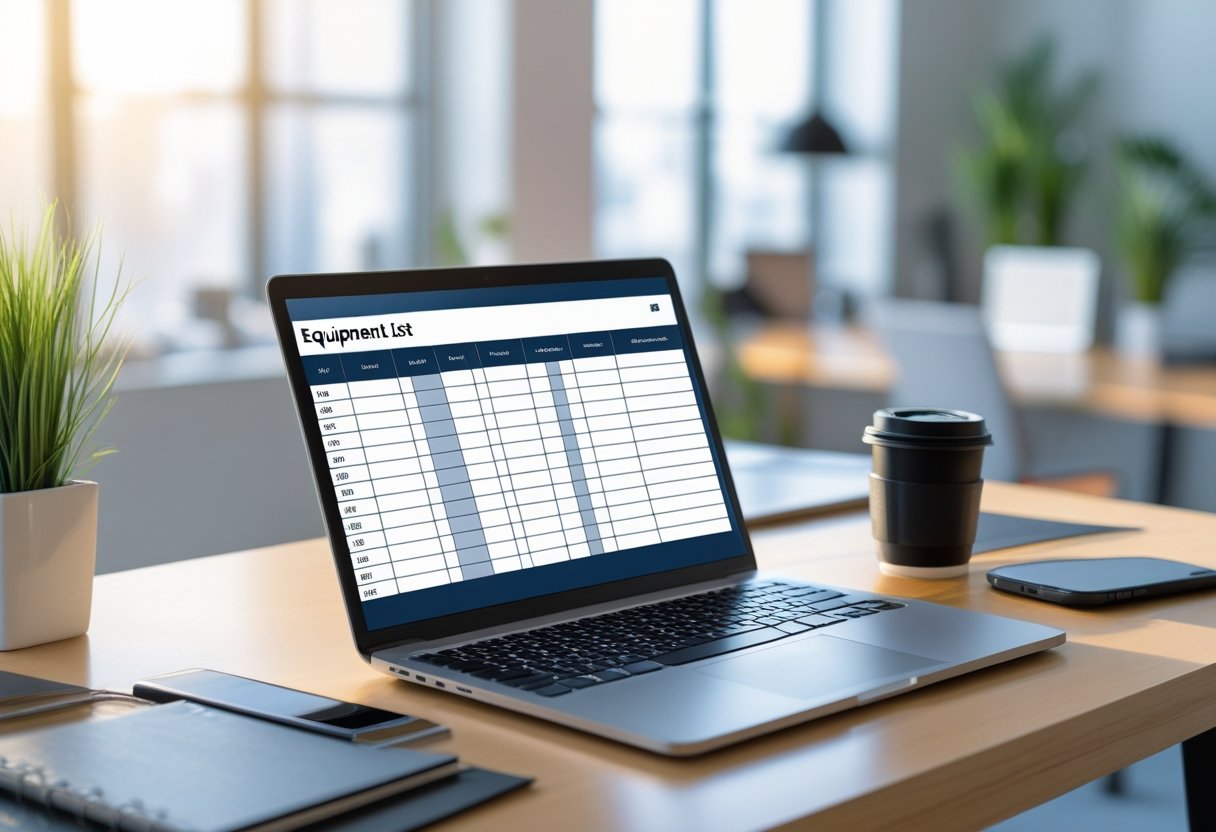
Whether a team manages construction machinery, office technology, or laboratory instruments, a well-designed template streamlines daily oversight. It captures details such as serial numbers, maintenance dates, and responsible personnel to minimize confusion and downtime.
This article explains what an equipment list template is, what components it should include, how to create and customize one, and how to apply best practices for long-term equipment management. It also shares free downloadable resources to help any organization strengthen organization and accountability.
What Is an Equipment List Template?
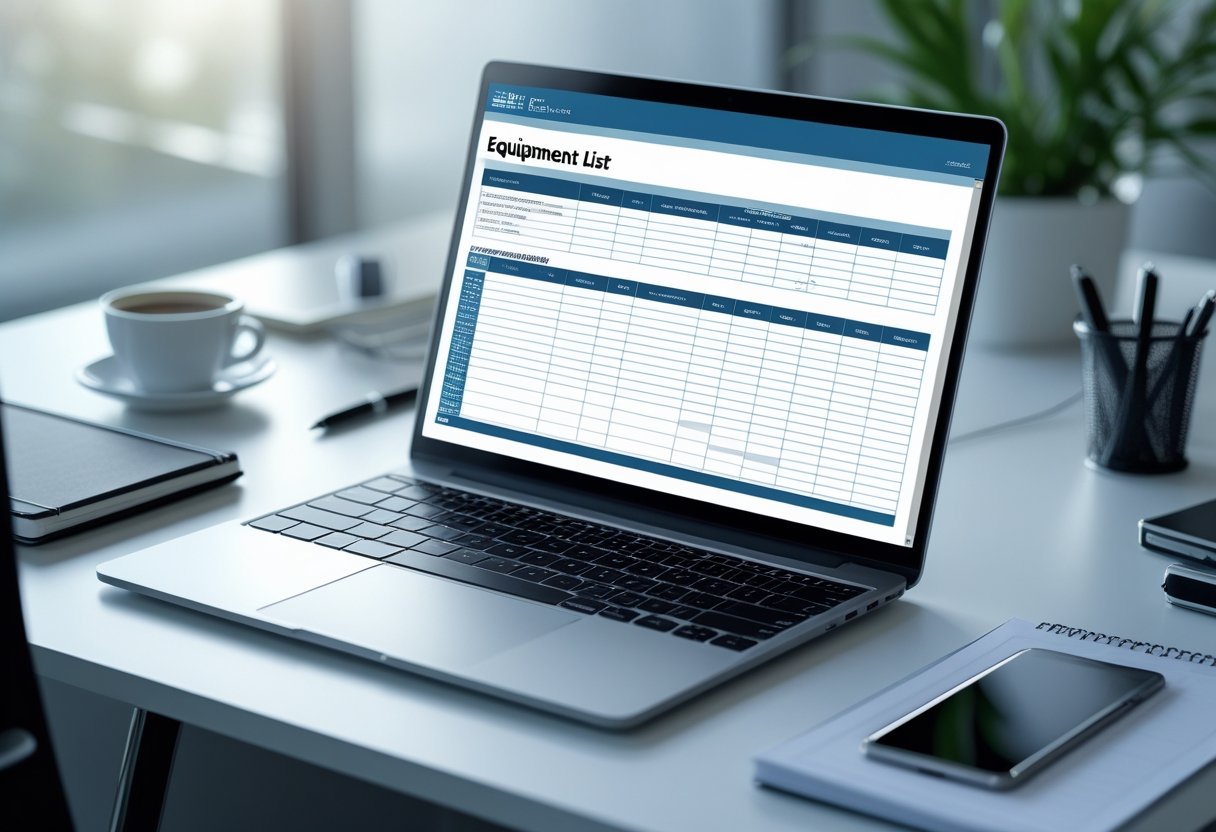
An equipment list template is a structured way to record, organize, and manage assets such as tools, machinery, and supplies. It supports accurate tracking and reporting, helping teams know what equipment exists, where it is located, and its condition.
Definition and Purpose
An equipment list template is a pre-designed document used to log information about each item of equipment owned or managed by a person or organization. This includes data such as equipment name, model or identification number, purchase date, cost, condition, and assigned user or location.
The template can be created in different digital formats—most commonly Excel, Word, Google Sheets, or PDF. Each format lets users adjust layout and add formulas for calculations or summaries.
Its main purpose is to standardize how equipment records are kept so that updates, audits, and maintenance planning can happen efficiently. Organizing information in a consistent format helps reduce missing details and enables quick review during inspections or financial reporting.
Typical columns in an inventory format may include:
FieldExample EntryEquipment NameLaptopSerial NumberLT-2031ConditionGoodLocationOffice Room 2Assigned ToMarketing Department
Benefits for Businesses and Projects
Using an equipment inventory list template improves asset tracking, workflow efficiency, and accountability. It lets managers quickly see which items are available, under maintenance, or need replacement.
Businesses benefit from having structured data that supports budgeting and forecasting. When depreciation schedules or service histories are logged, decision-makers can estimate replacement costs more accurately.
On projects that depend on specialized equipment, a clear inventory list ensures that essential tools arrive on-site when needed. It also makes it easier to schedule maintenance or calibrations based on recorded usage.
Centralizing updates in one template gives all team members access to current information. This reduces manual errors or inconsistent entries across departments.
Common Use Cases
An equipment list serves many industries that rely on physical assets. In construction, it tracks heavy machinery and tools across different sites.
Manufacturers use it to record operational equipment, spare parts, and safety gear. IT departments list computers, monitors, and networking devices for asset assignment and lifecycle management.
Educational institutions and research facilities use inventory templates to manage laboratory instruments, teaching materials, and maintenance schedules. Event planners or production teams apply them to track lighting, audio systems, and transport cases.
Even small businesses benefit from an organized equipment inventory list template to manage office supplies and company-owned devices. These templates help confirm what resources exist before ordering more, so spending stays aligned with actual needs.
Essential Components of an Equipment List Template
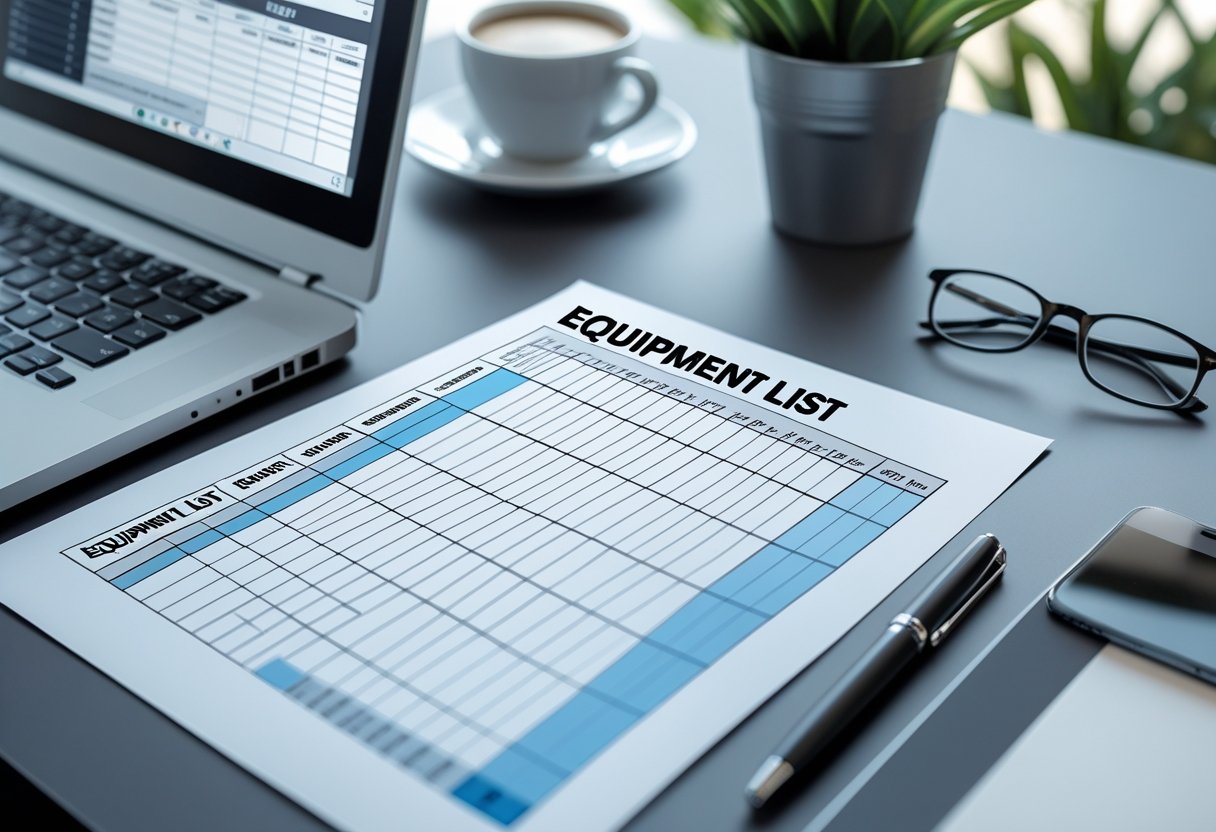
A well-structured equipment list template organizes important details for tracking, managing, and maintaining assets. It allows quick identification of each item’s purpose, location, and value while supporting consistent recordkeeping.
Required Fields and Columns
Each equipment list template should include standard columns that record inventory details. Common fields are Item Name, Category, Model Number, and Serial Number.
These data points allow teams to sort, search, and filter equipment efficiently. A tool inventory spreadsheet may also include columns for Quantity, Status, and Date Acquired.
This structure keeps entries uniform even when multiple users record data. Including these core columns provides consistent data entry practices.
Below is a simple format example:
FieldDescriptionExampleItem NameName of the equipmentLaser LevelModel/Serial No.Identifying numbersLVX-2205 / SN-004213QuantityNumber of units owned4StatusCurrent working conditionOperationalAcquisition DateDate added to inventory05/12/2024
This format supports clear data comparisons and makes long-term inventory tracking easier.
Equipment Description and Unique Identifiers
An equipment description provides clear information about each item’s type, function, size, and specifications. Descriptions should use measurable details.
For example, “Cordless 18V drill, variable speed, lithium battery” communicates exactly what is being tracked. Unique identifiers, such as asset tags or barcode numbers, prevent confusion between similar equipment.
These identifiers help integrate physical assets with digital tracking systems. Tagging hardware with barcodes or QR codes strengthens accountability during audits and tool checkouts.
Pairing detailed descriptions with unique codes ensures identical models are not mistaken for each other. It also enables faster scanning and updating when using digital forms or inventory apps.
Each identifier should remain consistent across maintenance logs, billing systems, and warranty files.
Location and Condition Tracking
Knowing where each piece of equipment is stored or deployed is important for efficient operations. A field such as Location should record both the site and specific area, like “Warehouse A, Rack 3” or “Maintenance Van #2”.
This level of detail helps locate assets quickly for maintenance, loan, or transfer. Condition tracking documents the equipment’s usability and helps identify when items need repair or replacement.
Typical condition values include New, In Use, Under Repair, or Retired. Regularly updating this field allows managers to forecast equipment needs and schedule maintenance.
Integrating condition data into an inventory tracking column reduces downtime and helps maintain compliance for safety-sensitive equipment. Automated alerts can be linked to condition statuses to prompt inspections or service orders.
Financial and Warranty Details
Recording financial and warranty information improves control over asset value and lifecycle costs. Fields such as Purchase Cost, Current Value, and Depreciation provide a clear view of each item’s financial impact.
Including dates for warranty coverage also prevents missed claims or unplanned spending. An effective section might include:
- Vendor Name and Contact
- Purchase Date
- Warranty Expiration Date
- Maintenance Contract Details
- Estimated Replacement Cost
Tracking these values in an equipment spreadsheet supports budgeting and auditing. It also helps determine whether repairing or replacing a device is more cost-effective.
When tied to accounting or asset management software, this information enables easier reporting and supports compliance with financial standards. Maintaining this documentation reduces manual follow-up and ensures every piece of equipment is accounted for.
Types of Equipment List Templates
Equipment list templates vary in scope, detail, and purpose depending on the type of assets being tracked. They help businesses record equipment data, schedule maintenance, and ensure accountability using structured spreadsheets or digital forms.
General Equipment Inventory Templates
A general equipment inventory template records basic information about all assets in one place. It typically includes columns for item name, serial number, category, purchase date, condition, and location.
These fields help users identify each asset and monitor its lifecycle. Many templates come in Excel, Word, or Google Sheets formats, making them adaptable to different workflows.
They suit organizations needing a flexible framework to manage tools, office equipment, or facilities assets. Some templates include checklists for inspections or audits.
Others link cost data with purchase details to support budgeting and depreciation tracking. This versatility makes general templates an efficient starting point for companies with mixed equipment types.
Industry-Specific Templates
Industry-specific equipment list templates address unique data needs within specialized sectors. Construction firms may use templates with fields for model numbers, usage hours, and maintenance schedules.
Healthcare organizations often need sections for calibration dates, safety certificates, or regulatory compliance details.
Manufacturing businesses use these templates to track machinery performance and spare parts. They can also integrate maintenance intervals or warranty information for each asset.
Many versions support Excel formulas that calculate replacement timelines or flag overdue servicing. Using a tailored template minimizes irrelevant fields and ensures consistent record-keeping.
It improves reporting accuracy and helps managers plan maintenance, replacement, and procurement.
Employee Equipment Inventory Lists
An employee equipment inventory list focuses on assigning assets to individual staff members. This template tracks items such as laptops, phones, tools, or uniforms.
Common fields include employee name, asset ID, issue date, return date, and condition notes. Companies use these lists to document responsibility for equipment and reduce loss or unauthorized use.
They are useful in large organizations where employees frequently change roles or departments. Some versions add acknowledgment checkboxes or digital signatures to confirm item receipt.
Others include reminders for periodic verification or equipment returns. This approach promotes accountability and supports better audit control.
How to Create and Customize an Equipment List Template
A clear and functional equipment list template helps organizations track tools, machinery, and other assets with accuracy. It supports budgeting, maintenance schedules, and equipment lifespan management by centralizing data in one accessible format.
Selecting the Right Format
The best format depends on how the organization manages and reviews its equipment data. Excel and Google Sheets templates allow for easy calculation, filtering, and updating.
These formats are good for frequent changes. PDF versions work better when a fixed, printable record is needed.
Before choosing, consider the size of your equipment inventory, the need for team collaboration, and how often updates occur. For example, construction firms often prefer spreadsheets for live tracking, while small offices may use a static list.
Common formats include:
FormatBest ForPrimary BenefitExcel SpreadsheetLarge, active inventoriesBuilt-in formulas and analyticsGoogle SheetsTeam access and sharingReal-time collaborationPDF TemplateArchival or reportingFixed, professional layout
Selecting a format that fits your workflow prevents duplication and reduces maintenance errors.
Customizing for Your Organization
Customization turns a generic inventory template into a practical tool for your organization. The essential columns often include item name, serial number, location, assigned user, and maintenance date.
Adding drop-down selections for departments or condition ratings can make data entry easier. A tool inventory spreadsheet may include fields for repair history or purchase cost to help with financial planning.
For manufacturing, categorizing assets by machine type improves reporting. Users should also standardize data entry, such as using the same units of measurement or naming conventions.
Applying conditional formatting—like highlighting overdue maintenance dates—adds helpful visual cues. Maintaining version control prevents duplicate records and outdated templates.
Using Excel, Google Sheets, and PDF Formats
Excel templates support advanced tracking with formulas, pivot tables, and charts. They help calculate equipment depreciation, forecast needs, and spot discrepancies.
Many free inventory templates include common formulas for value summary and total cost. Google Sheets versions are ideal for teams who need to access and update information from different locations.
Automatic cloud storage in Google Sheets prevents data loss. Shared permissions help keep sensitive details restricted to approved users.
PDF templates provide stability and a consistent appearance. They are best for finalized reports or when edits are rare.
While less flexible than spreadsheets, PDFs ensure version integrity for audits and printed records.
Best Practices for Equipment List Management
Accurate equipment records help organizations stay accountable and prevent losses. Good documentation and consistent data protection are key to a reliable inventory system.
Conducting Regular Audits and Updates
Regular audits confirm that listed equipment matches actual inventory. Teams should verify serial numbers, locations, and conditions to find missing or outdated entries.
Physical checks often reveal unreported moves, disposals, or repairs. This allows for quick corrections.
Scheduling audits quarterly or semi-annually keeps data current. During reviews, remove outdated or duplicate entries.
Digital templates like Excel or Google Sheets speed up this process with filters and formulas to spot inconsistencies.
A short checklist can help:
- Confirm presence and condition of each asset
- Update item status (active, in repair, retired)
- Compare system data to physical counts
- Note discrepancies for quick resolution
Documenting all changes improves compliance and gives managers a clear view of resources.
Tracking Equipment Usage and Assignments
Tracking who uses each item reduces misuse and helps control costs. Good systems record assignment dates, responsible staff, and return expectations.
This data helps managers spot idle or overused assets. It also balances demand across departments.
Spreadsheets or tracking tools can generate usage statistics, such as operating hours or checkout frequency. Keeping a simple log for each asset—like user name, time issued, and return condition—improves accountability.
FieldDescriptionExampleAsset IDUnique identifierEQ-0458Assigned ToResponsible userMaintenance TeamCheckout DateStart of use2025-09-15Return DateExpected return2025-09-20
Data Security and Backup
Protecting asset data keeps inventory information accessible and accurate. Equipment lists often contain purchase values, internal codes, and staff details, which need secure handling.
Allow editing rights only for authorized personnel. Others should have view-only access.
Backups should happen automatically and store data both locally and in the cloud. Encrypting digital files helps prevent unauthorized changes or losses.
Test backup recovery regularly to make sure copies can restore operations quickly. Use a clear backup schedule—daily for active databases and weekly for static records.
Free and Downloadable Equipment List Template Resources
Free inventory templates help users track assets and keep accurate records. These resources support easy management of tools, machinery, or office equipment in both printable and digital formats.
Printable and Digital Templates
Users can choose between printable PDFs and editable digital templates. Printable sheets are useful for quick notes or field use.
Excel and Google Sheets formats support formulas and automated calculations, which reduce manual errors. A typical template has columns for equipment name, ID number, purchase date, quantity, and condition.
Many free downloads also include space for serial numbers or maintenance schedules. This layout helps standardize records and makes audits or replacements easier.
Digital versions often work with cloud storage, allowing team access and version control. Organizations using Microsoft 365 or Google Workspace can import these templates into shared folders for real-time updates.
The choice between printed or digital formats depends on how often users update their lists and whether multiple team members manage the same assets.
Industry Tools and Checklists
An equipment checklist template ensures important items are accounted for before, during, or after a project. Construction firms track heavy machinery and safety tools.
Media or event teams log lighting, audio systems, and cables. Using a standardized checklist prevents oversights and equipment loss.
Industries such as manufacturing, education, or healthcare use inventory list templates to monitor high-value or regulated equipment. For example, laboratories log calibration dates, and schools record device assignments for classrooms.
Using checklist categories like inspection frequency or assigned user gives managers quicker insight into usage patterns. Below is an example of common checklist fields:
FieldDescriptionExampleEquipment NameIdentifies the tool or assetLaptopSerial NumberTracks unique IDSN-03219Last InspectionDate of last check2025-12-10StatusCurrent conditionOperational
Template Customization Tips
Customizing inventory list templates helps users focus on important data. Adding or removing fields makes daily operations easier, especially when only certain details—like maintenance cost or location—are needed.
Users can use conditional formatting in Excel to flag equipment that needs service or replacement. In Google Sheets, formulas can quickly calculate total asset values or highlight missing information.
Formatting tools like drop-down lists help standardize entries for condition ratings or department names.
When adapting a free template, matching the design with company asset policies helps avoid inconsistencies. Saving a clean master file keeps future updates organized. Using the same terms across all templates improves communication between departments.