How to start saving money
Lorem ipsum dolor sit amet, consectetur adipiscing elit lobortis arcu enim urna adipiscing praesent velit viverra sit semper lorem eu cursus vel hendrerit elementum morbi curabitur etiam nibh justo, lorem aliquet donec sed sit mi dignissim at ante massa mattis.
- Neque sodales ut etiam sit amet nisl purus non tellus orci ac auctor
- Adipiscing elit ut aliquam purus sit amet viverra suspendisse potent
- Mauris commodo quis imperdiet massa tincidunt nunc pulvinar
- Excepteur sint occaecat cupidatat non proident sunt in culpa qui officia
Why it is important to start saving
Vitae congue eu consequat ac felis placerat vestibulum lectus mauris ultrices cursus sit amet dictum sit amet justo donec enim diam porttitor lacus luctus accumsan tortor posuere praesent tristique magna sit amet purus gravida quis blandit turpis.

How much money should I save?
At risus viverra adipiscing at in tellus integer feugiat nisl pretium fusce id velit ut tortor sagittis orci a scelerisque purus semper eget at lectus urna duis convallis. porta nibh venenatis cras sed felis eget neque laoreet suspendisse interdum consectetur libero id faucibus nisl donec pretium vulputate sapien nec sagittis aliquam nunc lobortis mattis aliquam faucibus purus in.
- Neque sodales ut etiam sit amet nisl purus non tellus orci ac auctor
- Adipiscing elit ut aliquam purus sit amet viverra suspendisse potenti
- Mauris commodo quis imperdiet massa tincidunt nunc pulvinar
- Adipiscing elit ut aliquam purus sit amet viverra suspendisse potenti
What percentege of my income should go to savings?
Nisi quis eleifend quam adipiscing vitae aliquet bibendum enim facilisis gravida neque. Velit euismod in pellentesque massa placerat volutpat lacus laoreet non curabitur gravida odio aenean sed adipiscing diam donec adipiscing tristique risus. amet est placerat in egestas erat imperdiet sed euismod nisi.
“Nisi quis eleifend quam adipiscing vitae aliquet bibendum enim facilisis gravida neque velit euismod in pellentesque”
Do you have any comments? Share them with us on social media
Eget lorem dolor sed viverra ipsum nunc aliquet bibendum felis donec et odio pellentesque diam volutpat commodo sed egestas aliquam sem fringilla ut morbi tincidunt augue interdum velit euismod eu tincidunt tortor aliquam nulla facilisi aenean sed adipiscing diam donec adipiscing ut lectus arcu bibendum at varius vel pharetra nibh venenatis cras sed felis eget.
Parts ordering software helps organizations manage, track, and replenish components with precision and speed. It enables teams to order, receive, and organize parts efficiently while reducing errors and downtime.
By centralizing purchasing and inventory control, it ensures the right parts are available when needed. This helps avoid overstocking and eliminates manual tracking headaches.
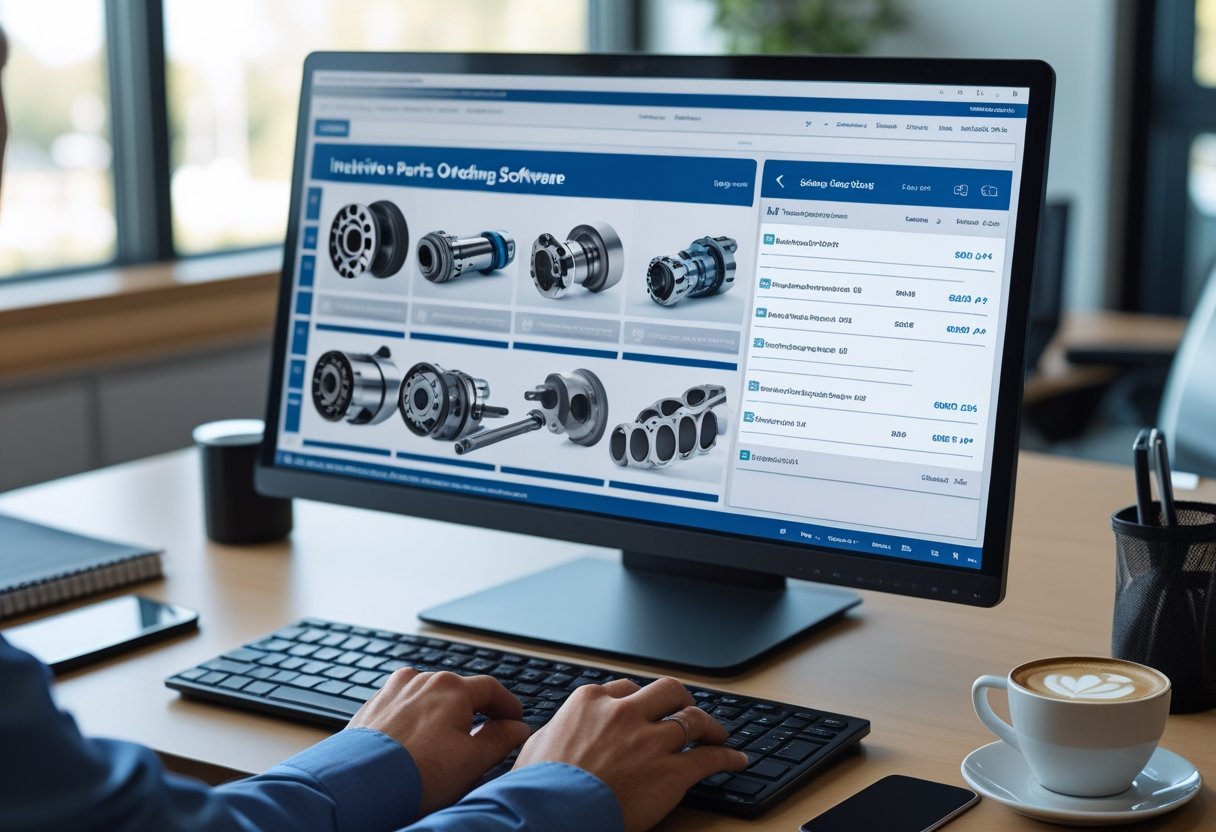
As businesses grow and supply chains become more complex, integrating parts ordering with warehouse and inventory systems becomes essential. This software connects procurement with maintenance, sales, and accounting tools to streamline operations.
The next sections explain how parts ordering software works and highlight functions that matter most. You’ll also see how different industries use it to improve reliability and efficiency.
Understanding Parts Ordering Software

Parts ordering software helps organizations manage the request, purchasing, and tracking of replacement or production parts in one system. It ensures accurate order placement, maintains supplier relationships, and integrates with inventory databases.
Definition and Core Features
Parts ordering software automates and manages the entire parts procurement process. It connects purchasing, inventory, and supplier data in one interface so users can place, approve, and monitor orders in real time.
This integration reduces manual entry errors and improves visibility across departments.
Core features include:
- Order management: Create, approve, and track purchase orders.
- Catalog integration: Access manufacturer or vendor catalogs within the system.
- Supplier tracking: Evaluate vendor performance and lead times.
- Automation tools: Trigger reorders when stock levels reach set thresholds.
- Multi-system compatibility: Connect with accounting or warehouse apps for seamless recordkeeping.
Modern parts software may also include barcode scanning and mobile functionality. Warehouse teams can update data from the floor, which helps prevent shortages and duplicate orders.
Parts Ordering vs. Parts Inventory Management Software
Parts ordering software and parts inventory management software serve related but different roles. Ordering software focuses on procurement workflows, such as selecting suppliers, placing orders, and tracking fulfillment.
Inventory management software focuses on stock control, like monitoring quantities, reorder levels, and item locations.
The two systems often integrate through APIs or built-in modules. For example, inventory software might alert the ordering module when items reach minimum levels, and the ordering software then generates a purchase order and updates the status after shipment arrives.
Below is a simple distinction:
FunctionParts Ordering SoftwareParts Inventory Management SoftwarePrimary RolePurchasing and supplier coordinationStock tracking and optimizationCore FocusOrder creation, cost trackingQuantity control, movement trackingData SourceVendor and procurement dataWarehouse data
Key Benefits for Organizations
Using parts management software with ordering features brings measurable gains. Businesses can shorten procurement cycles, control costs, and improve supplier accountability.
Centralizing orders in one system also makes audits and purchasing forecasts easier. Automated ordering ensures essential components are available before shortages occur.
This predictive ability reduces emergency purchases and prevents stockouts. Consistent parts availability helps maintain production and meet customer commitments.
Integration with ERP or accounting software eliminates redundant data entry and promotes accurate financial tracking.
Essential Functions of Parts Ordering Software
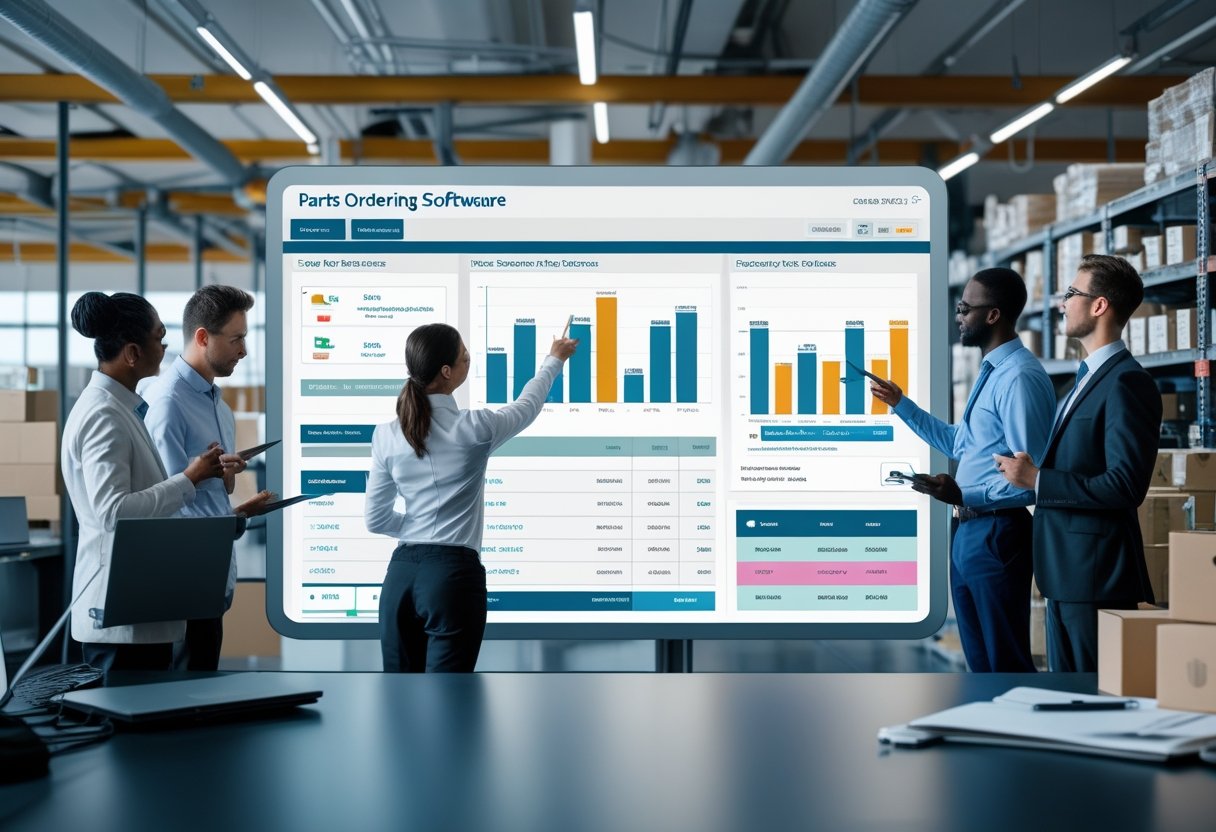
Reliable parts ordering software maintains accurate inventory visibility and reduces manual work in procurement. It connects supply processes with maintenance operations.
The software automates stock control, aligns purchasing with real demand, and ensures parts remain available without costly excess inventory.
Automated Reordering and Stock Level Tracking
Automated reordering prevents shortages by using set thresholds to trigger purchase actions when inventory drops below defined levels. The system monitors stock levels and updates counts in real time as parts are received, issued, or used.
This automation minimizes delays from manual checks and helps avoid production downtime. Users can set reorder points, preferred suppliers, and lead times as needed.
The software can analyze usage patterns and forecast demand to improve order timing and quantity. Some tools support barcode scanning and mobile warehouse management for accurate tracking across locations.
By combining real-time visibility with automation, organizations maintain the right balance between part availability and costs.
Integration with Work Orders and Maintenance Planning
Effective systems link inventory data with work orders and maintenance planning. When technicians create a work order, the software checks required parts against stock and reserves them automatically.
If items are missing, it generates requisitions or purchase requests without manual input. This reduces delays between identifying a maintenance need and completing the repair.
It ensures equipment downtime stays low because parts are ready before maintenance begins. Maintenance planners can also review historical consumption by asset or job type to improve preventive schedules and estimate needs more accurately.
Purchase Order and Procurement Management
Purchase order and procurement management functions centralize supplier communication, track order statuses, and record all transactions. The system standardizes purchasing workflows with approval rules and digital documentation.
Users can compare quotes, monitor delivery timelines, and evaluate supplier performance. Built-in tools often support partial receipts and automatic inventory updates when goods arrive.
Some solutions provide budget tracking and spend analysis for better purchasing decisions. Integration with accounting or ERP systems keeps financial records in sync.
By simplifying procurement, parts ordering software shortens lead times and ensures spending matches organizational priorities.
Inventory and Warehouse Management Capabilities
Modern parts ordering software often includes inventory and warehouse management tools. These improve operational control and accuracy.
They help businesses align stock data with warehouse activity, minimize errors, and speed up part retrieval and fulfillment.
Inventory Tracking and Accuracy
Effective inventory tracking ensures every part is accounted for across all locations. The software uses centralized databases to record quantity, SKU, and movement history.
Real-time updates occur whenever stock is received, transferred, or issued. This reduces reliance on manual data entry.
Accurate tracking lowers the risk of stockouts or overstock. Systems often use automated reorder points that trigger purchase orders when inventory drops below set thresholds.
Most platforms include dashboards that show inventory accuracy rates, discrepancies, and stock turnover. Managers can filter by supplier, category, or storage site to identify slow-moving parts.
These insights help with forecast planning and cost management.
Warehouse Operations and Location Tracking
A warehouse management system (WMS) integrated into parts ordering software supports structured inventory organization. It maps product locations using bin, shelf, or pallet identifiers for quick retrieval and restocking.
Location tracking helps staff find specific parts among thousands of SKUs. Some systems display item placement on a warehouse layout or use grid references linked to handheld devices.
This increases picking accuracy and reduces travel time. Warehouse management software also tracks inbound and outbound logistics.
It records receiving dates, inspection results, and shipping confirmations. Managers can analyze these data points to spot bottlenecks and optimize labor allocation.
Warehouse FunctionKey BenefitLocation MappingFaster picking and fewer misplacementsStock Movement LogsTransparent audit trail for complianceSpace Utilization ReportsImproved storage efficiency
Barcode and QR Code Scanning
Barcode and QR code scanning technology makes warehouse transactions faster and more reliable. When items are scanned at receipt, storage, or shipment, the system updates stock records instantly.
This reduces human error and maintains real-time visibility. QR codes can store more details than barcodes, including serial numbers and supplier data.
Workers can access item specifications or maintenance history from mobile devices. Compatibility with both barcode scanning and QR code hardware allows flexible use in warehouses.
These scanning features streamline picking, packing, and cycle counts. Linking scanned data to the central database ensures accurate traceability from order creation to fulfillment.
Integration with Related Business Systems
Connecting parts ordering software with other operational systems ensures data consistency and better process control. These integrations let businesses track costs, manage sales, and coordinate shop activities from one platform.
Accounting and Financial Management Integration
Integrating a parts ordering platform with accounting software or a financial management system keeps purchasing activity aligned with budgets and expense records. Each transaction automatically updates the general ledger, payable accounts, and cost centers.
This reduces manual work and entry errors. Real-time synchronization improves cash flow visibility.
When a part order is placed, the accounting system records the expense and adjusts inventory value instantly. This supports more accurate reporting and makes audits easier.
Key benefits include:
- Automatic invoice generation and reconciliation
- Unified tax, discount, and supplier cost data
- Improved financial forecasting and expense tracking
Such integration helps management monitor profitability by linking each purchase to work orders or customer invoices.
Point of Sale and Customer Relationship Management
Connecting parts ordering software with a point-of-sale (POS) system or customer relationship management (CRM) platform gives service teams access to complete customer and sales information. POS integration ensures that parts used in transactions update stock levels in real time and reflect correct pricing at checkout.
CRM connectivity expands customer insight beyond purchase history. Service advisors can review past orders, preferences, and warranty details to recommend parts or schedule repairs.
This combination strengthens service quality and supports targeted follow-up communication. Shared data across CRM and ordering platforms leads to better customer profiles and more accurate purchasing patterns.
Shop Management System Connectivity
Linking the parts ordering tool to a shop management system (SMS) or auto shop management solution consolidates work order information, technician assignments, and parts availability. Platforms like PartsTech integrate with shop systems, allowing users to order directly from their workflow.
Technicians can verify pricing, check stock, and request parts without leaving their management console. Automatic updates keep inventory and job statuses synchronized.
This reduces delays between diagnosis and repair completion and improves shop efficiency.
Advanced Features and Customization Options
Modern parts ordering systems use forecasting tools, real-time data, and tracking capabilities to reduce errors and maintain optimal inventory levels.
They provide flexible dashboards and identification features so managers can adapt workflows to different operational needs.
Forecasting and Reporting Tools
Accurate forecasting helps prevent overstocking and shortages. Advanced software platforms use historical order data, seasonal demand, and supplier lead times to predict future needs.
Some solutions connect with procurement and accounting systems. This integration refines predictions and can automatically adjust reorder points.
Reporting features often include customizable templates for cost analysis, supplier performance, and usage trends. Users can filter reports by part number, category, or date range.
These insights support better purchasing decisions. They also help identify slow-moving stock that may tie up capital.
Below is a sample of key forecasting metrics often available:
MetricDescriptionLead Time VarianceMeasures vendor delivery consistencyStock Turnover RateIndicates inventory efficiencyDemand AccuracyCompares forecasted vs. actual usage
Real-Time Data and Customizable Dashboards
Real-time data tools let users view the exact status of every part within the supply chain. When quantities change or items ship, the software updates records right away.
This visibility helps prevent duplicate orders. It also minimizes downtime caused by missing components.
Customizable dashboards present data in a clear, visual format. Users can design widgets to show critical KPIs such as stock availability, purchase order status, and open work orders.
Filters and sorting options make it easier to focus on operational bottlenecks or urgent replenishment tasks. Integration with mobile devices lets teams access this information across facilities.
This maintains consistency and accountability across departments.
Serial Number and Asset Tracking
Serial number tracking gives each part a unique identifier. It records the part’s history from purchase through installation.
This feature supports warranty validation, recall management, and regulatory compliance. When a repair or inspection occurs, technicians can trace a component’s origin with a quick lookup.
Asset tracking extends this capability to tools, machines, and replacement parts stored across multiple locations. Real-time scanning with barcodes or RFID updates usage and availability automatically.
The system can alert managers when a tracked asset moves out of bounds or needs service. This protects company assets and ensures accuracy across distributed operations.
Industry Applications and Use Cases
Parts ordering software supports many operations that depend on reliable parts availability, efficient procurement, and accurate tracking. It improves coordination across business units and provides the visibility needed for cost control and planning.
Automotive Parts Retailers and Repair Shops
Auto parts retailers and repair shops use auto parts software to manage large catalogs, supplier integrations, and pricing updates. These tools track inventory across multiple locations and sync stock levels in real time.
Technicians and service managers can check part availability instantly. This reduces delays in repairs.
A key benefit is automated reordering, which helps stores maintain the right balance of fast-moving and specialty items. Integration with point-of-sale (POS) systems ensures accurate billing and reduces manual errors.
Some platforms also include VIN lookup functionality. This lets staff identify compatible parts and minimize returns.
Typical features include:
- Centralized supplier management
- Barcode and SKU tracking
- Compatibility matching tools
By keeping procurement organized, repair centers can process more jobs per day and deliver faster service.
Fleet Maintenance and Facility Management
Fleet maintenance and facility management operations depend on timely access to replacement parts for vehicles, machinery, and building systems. Parts ordering software provides preventive maintenance scheduling and links maintenance orders directly to parts availability.
Many solutions integrate with Computerized Maintenance Management Systems (CMMS) or Enterprise Asset Management (EAM) platforms. This gives technicians clear visibility into which parts are needed for each work order.
When inventory falls below preset thresholds, the system can trigger reorders automatically.
FunctionBenefitAutomated reorder alertsPrevents downtime from stockoutsMaintenance-part linkageSimplifies work order planningCost tracking per assetImproves budget forecasting
Manufacturing and Aftermarket Industry Solutions
Manufacturers and the aftermarket industry use parts ordering systems to manage production components and spare parts. These systems also help manage supplier relationships.
Accurate demand forecasting and bill of materials (BOM) management keep assembly lines running smoothly. This prevents excess stock and production delays.
In aftermarket distribution, software supports bulk ordering and warranty part tracking. It also helps with vendor scorecards.
Procurement teams can evaluate supplier performance based on delivery times and defect rates. Lead times are tracked to ensure timely deliveries.
Modern platforms often include AI-driven analytics that predict usage trends. These analytics help optimize reorder points.
A data-led approach improves efficiency across warehouses and distribution centers. This supports consistent product availability for resellers and service providers.