How to start saving money
Lorem ipsum dolor sit amet, consectetur adipiscing elit lobortis arcu enim urna adipiscing praesent velit viverra sit semper lorem eu cursus vel hendrerit elementum morbi curabitur etiam nibh justo, lorem aliquet donec sed sit mi dignissim at ante massa mattis.
- Neque sodales ut etiam sit amet nisl purus non tellus orci ac auctor
- Adipiscing elit ut aliquam purus sit amet viverra suspendisse potent
- Mauris commodo quis imperdiet massa tincidunt nunc pulvinar
- Excepteur sint occaecat cupidatat non proident sunt in culpa qui officia
Why it is important to start saving
Vitae congue eu consequat ac felis placerat vestibulum lectus mauris ultrices cursus sit amet dictum sit amet justo donec enim diam porttitor lacus luctus accumsan tortor posuere praesent tristique magna sit amet purus gravida quis blandit turpis.

How much money should I save?
At risus viverra adipiscing at in tellus integer feugiat nisl pretium fusce id velit ut tortor sagittis orci a scelerisque purus semper eget at lectus urna duis convallis. porta nibh venenatis cras sed felis eget neque laoreet suspendisse interdum consectetur libero id faucibus nisl donec pretium vulputate sapien nec sagittis aliquam nunc lobortis mattis aliquam faucibus purus in.
- Neque sodales ut etiam sit amet nisl purus non tellus orci ac auctor
- Adipiscing elit ut aliquam purus sit amet viverra suspendisse potenti
- Mauris commodo quis imperdiet massa tincidunt nunc pulvinar
- Adipiscing elit ut aliquam purus sit amet viverra suspendisse potenti
What percentege of my income should go to savings?
Nisi quis eleifend quam adipiscing vitae aliquet bibendum enim facilisis gravida neque. Velit euismod in pellentesque massa placerat volutpat lacus laoreet non curabitur gravida odio aenean sed adipiscing diam donec adipiscing tristique risus. amet est placerat in egestas erat imperdiet sed euismod nisi.
“Nisi quis eleifend quam adipiscing vitae aliquet bibendum enim facilisis gravida neque velit euismod in pellentesque”
Do you have any comments? Share them with us on social media
Eget lorem dolor sed viverra ipsum nunc aliquet bibendum felis donec et odio pellentesque diam volutpat commodo sed egestas aliquam sem fringilla ut morbi tincidunt augue interdum velit euismod eu tincidunt tortor aliquam nulla facilisi aenean sed adipiscing diam donec adipiscing ut lectus arcu bibendum at varius vel pharetra nibh venenatis cras sed felis eget.
Fleet managers often struggle to balance vehicle performance, driver safety, and operating efficiency. Zubie Fleet Connect simplifies this process with connected telematics tools that provide real-time visibility and actionable insights in one platform.
It helps businesses track vehicles, monitor health diagnostics, and manage operations more efficiently without added complexity.
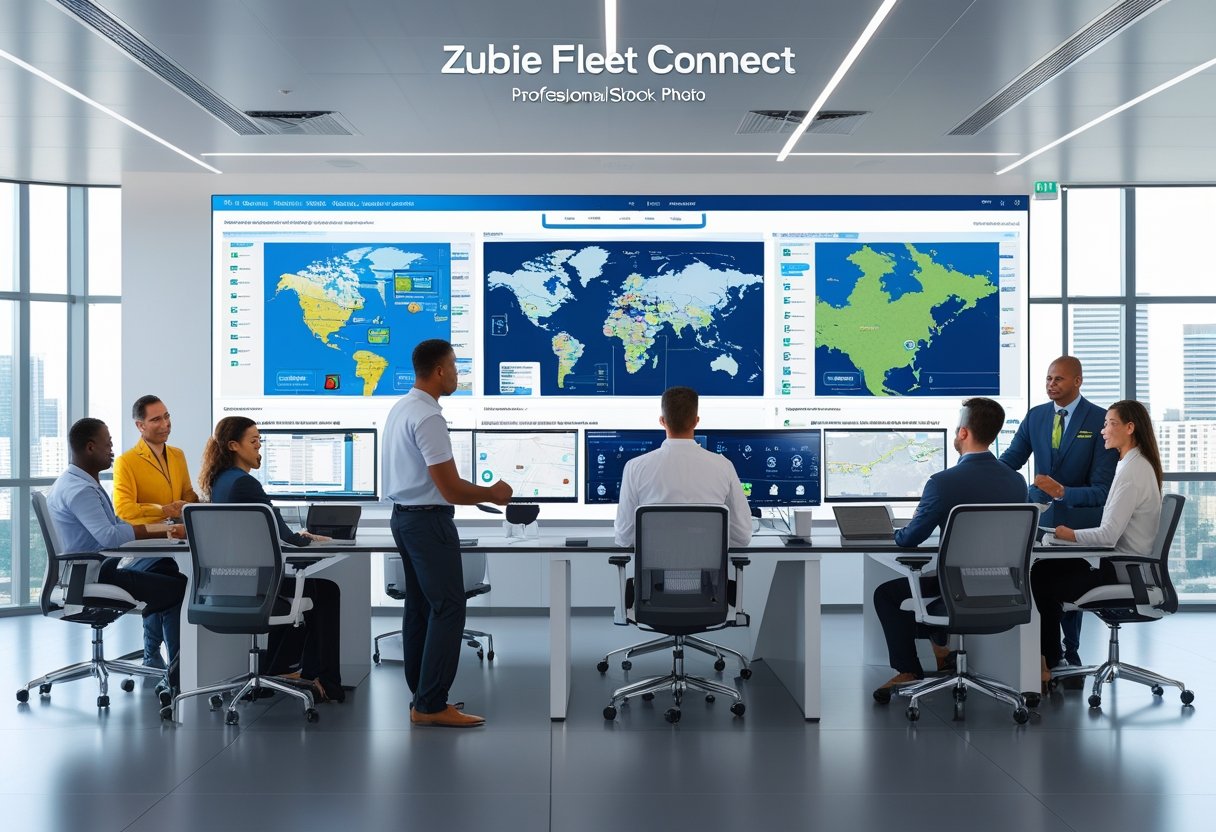
By combining GPS tracking with clear reports, Zubie Fleet Connect gives companies a clear view of fleet performance. It integrates vehicle health monitoring, driver behavior insights, and maintenance alerts to support better decisions.
With these tools, fleet management shifts from reactive maintenance to proactive optimization.
Installing Zubie’s plug-and-play devices is quick and requires little setup. Teams can start capturing data almost immediately.
Its open API and integration options make it adaptable to different management systems. This ensures smooth communication between vehicles, users, and business tools.
What Is Zubie Fleet Connect?

Zubie Fleet Connect is a fleet management platform that lets companies track vehicle locations and monitor performance from a single system. It combines telematics hardware and software to provide real-time insights that improve productivity, safety, and maintenance efficiency.
Core Features of Zubie Fleet Connect
Zubie Fleet Connect integrates GPS tracking, vehicle diagnostics, and driver performance analytics into one system. Its real-time map view displays each vehicle’s location, so managers can monitor routes and respond to changes quickly.
The system collects key vehicle health data such as engine codes, battery status, and fuel levels. This supports proactive maintenance scheduling.
Users can review trip history, mileage, and idle time to evaluate vehicle usage. An open API allows integration with other management tools like Fleetio and custom-built applications.
This flexibility helps businesses synchronize data across platforms and streamline workflows. The hardware setup is simple, so installation is fast and fleet downtime is minimized.
FeatureFunctionLive GPS TrackingProvides continuous vehicle location updatesDiagnostic ReportsMonitors engine, battery, and performance dataTrip HistoryRecords routes, distance, and driving behaviorIntegration OptionsConnects with fleet software via API
How Zubie Fleet Connect Works
The platform uses a small telematics device that plugs into a vehicle’s OBD-II port. This device collects real-time data on location, speed, and system status, then sends it securely to the cloud.
Fleet managers can access this data through the Zubie web dashboard or mobile app. Zubie displays the data using visual tools like live maps, status alerts, and performance summaries.
The cloud-based design ensures updates and analytics are accessible on different devices. Automatic alerts notify managers about issues such as check engine warnings or low battery voltage.
This consistent monitoring supports fast decisions and reduces manual status checks.
Benefits for Fleet-Operating Companies
Fleet-operating companies use Zubie Fleet Connect to increase operational visibility and control. Real-time tracking shortens response times, while automated alerts reduce the risk of breakdowns.
The system’s insights help businesses improve fuel efficiency, enforce safe driving, and identify underperforming vehicles. By consolidating vehicle health, driver behavior, and maintenance data, it simplifies reporting and compliance.
Zubie’s user-friendly interface reduces training needs. Its combination of telematics hardware, cloud analytics, and integration options provides an efficient toolset for managing fleets of all sizes.
Fleet Tracking and Telematics Solutions
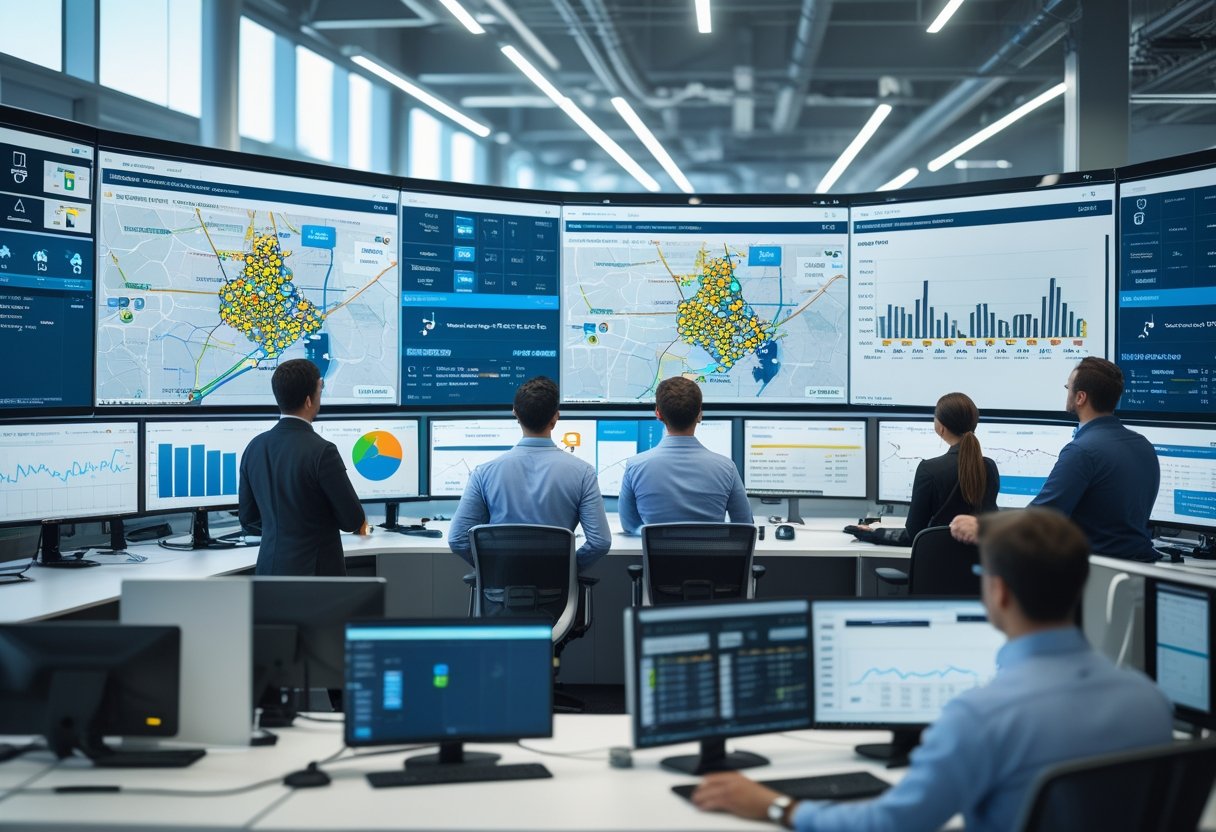
Zubie Fleet Connect combines real-time location data, telematics analytics, and vehicle performance insights. This gives fleet operators practical control over their assets.
It emphasizes transparency, accuracy, and automation to help teams monitor operations, manage risks, and improve utilization.
GPS Tracking and Live Map Capabilities
The GPS tracking system in Zubie Fleet Connect provides a continuous overview of every vehicle’s position through the Zubie Live Map. Fleet managers can view a vehicle’s route, speed, and current activity in real time.
This data helps identify inefficiencies like unnecessary idling or unscheduled stops. A color-coded live map shows vehicle status—moving, stopped, or offline—so users can coordinate routes quickly.
Fleet supervisors can filter vehicles by driver, group, or location. This allows quicker decisions when redeploying vehicles or responding to schedule changes.
Integration with Zubie’s telematics platform enables tracking for both small and large fleets. The map dashboard reduces manual tracking time and increases accountability.
Geofencing and Location Alerts
Geofencing features in Zubie Fleet Connect let managers define location-based zones such as job sites or restricted areas. When a vehicle enters or exits these areas, the system sends an automatic alert.
These notifications improve asset security and confirm that drivers follow routes. Fleet operators can create multiple fences in different regions and customize their size and shape.
Alerts arrive instantly through the web platform or mobile app, providing timely insight into unexpected movements. The system also supports location-based policy enforcement.
Managers can track how long vehicles spend at customer sites and verify on-time arrivals. Reviewing fence activity helps identify unauthorized use or off-hour trips.
Trip History and Reports
Zubie’s trip history tracking compiles detailed logs of every route taken by the fleet. Each record includes departure and arrival times, distance traveled, stop duration, and driving behavior.
Managers can review historical data to assess efficiency and detect route deviations. The platform’s trip reports summarize data over daily, weekly, or monthly periods.
Reports highlight mileage trends and driver patterns. Users can export reports to spreadsheets or integrate them with other business systems for further analysis.
Reviewing trip history supports maintenance scheduling and route optimization. Reliable tracking data gives operators the ability to make informed decisions and control costs.
Vehicle Health Monitoring and Smart Maintenance
Zubie Fleet Connect uses telematics to track vehicle health in real time and prevent small issues from becoming costly breakdowns. The system combines continuous diagnostics, engine and battery data, and predictive maintenance tools to keep fleets efficient.
Vehicle Health Diagnostics
Zubie Fleet Connect collects diagnostic information through an OBD-II device that plugs into each vehicle. It tracks parameters like fault codes, mileage, fuel levels, and emissions data.
The platform translates these readings into clear, actionable insights. Users can view vehicle health scores or sensor reports inside the dashboard.
This approach lets managers quickly identify vehicles that need service before problems grow. Key diagnostic metrics include:
- Engine fault codes (DTCs)
- Battery voltage levels
- Mileage and idle time
- Emission control indicators
This transparency enables faster troubleshooting and reduces downtime.
Engine and Battery Monitoring
Accurate monitoring of the engine and battery system is central to fleet reliability. The platform checks engine status, temperature ranges, and operating conditions.
Drivers or managers receive immediate alerts when abnormal readings appear. For batteries, Zubie tracks voltage and charging patterns to detect weak units before they fail.
It also records fuel levels and consumption data, providing insight into efficiency trends. The user interface displays this information clearly, making it easy to locate issues.
Alerts can be configured to trigger by email, app notification, or dashboard message. This keeps the team informed, even when away from the computer.
Zubie Smart Maintenance
Zubie Smart Maintenance uses cloud analytics to predict and plan service needs. It analyzes historical performance data, engine diagnostics, and mileage patterns to determine when parts should be checked or replaced.
This helps managers shift from reactive repairs to proactive service. Maintenance schedules are based on actual vehicle conditions and usage.
Zubie integrates with third-party service platforms through an open API, so maintenance records and invoices can be synced automatically. This keeps digital records consistent and reduces manual data entry.
Smart Maintenance also tracks completion status, ensuring scheduled tasks are not overlooked.
Maintenance Scheduling and Alerts
Scheduling and alert features let users automate regular maintenance intervals like oil changes or tire rotations. Once thresholds are set—by mileage, engine hours, or time—the system notifies the right team members.
Each alert includes details like vehicle ID, required service, and location data. Fleet managers can view all upcoming tasks in a calendar or list view to plan around vehicle availability.
Notifications escalate if service is overdue, supporting compliance with safety requirements. Alerts may also link predictive data with scheduled service for a complete upkeep process.
This approach keeps fleet vehicles healthy, extends asset lifespan, and reduces unexpected downtime.
Driver Performance and Safety Insights
Zubie Fleet Connect enables fleet managers to monitor driving behaviors, assess safety risks, and use data to encourage improvement. Its analytics tools turn driving patterns into measurable insights that help reduce incidents, improve efficiency, and maintain vehicle health.
Driver Performance Data and Metrics
Zubie collects driver performance data from every trip. It turns raw movement into useful information.
The system records metrics like distance traveled, drive time, idle duration, and trip count. These numbers show how vehicles are used across the fleet.
Fleet managers can view trends in reports that display average speeds and route efficiency. Usage frequency is also highlighted.
These metrics help spot wasted time or excessive fuel use. Managers can take action to improve efficiency.
Weekly and monthly reports let managers compare drivers and detect unusual patterns. This helps them act before small issues become bigger problems.
The platform can export data into spreadsheets. This allows for deeper analysis or integration with other reporting tools.
Key MetricPurposeBenefitDistance & TimeTracks utilizationIdentifies overuse or inefficiencyIdle DurationMeasures non‑productive timeReduces fuel wasteTrip CountShows workload patternsBalances assignments across drivers
Monitoring Hard Brakes and Rapid Accels
The system flags hard braking and rapid acceleration events. These behaviors can indicate aggressive driving or poor anticipation.
Events are recorded automatically to create a risk profile for each driver. Frequent hard brakes may suggest tailgating or distraction.
Rapid acceleration can point to impatience or wasted fuel. Zubie’s real-time monitoring helps supervisors respond quickly.
Supervisors can offer coaching or schedule maintenance if vehicles are under stress. Visual dashboards show event frequency per trip.
Managers can easily spot trends and reinforce safe driving habits. They can also use these insights in driver safety programs to reduce incidents and vehicle wear.
Driver Scorecards and Comparative Reporting
Zubie creates driver scorecards from trip data. These scorecards combine safety, efficiency, and performance measures.
Each scorecard includes statistics like speeding events, hard brakes, and driving time. The result is an overall performance index.
This allows managers to compare drivers or vehicles objectively. Top performers and those needing improvement are easy to identify.
Color-coded indicators or percentile rankings highlight results. Regular visibility of rankings encourages accountability.
Data sharing helps drivers keep safe and consistent habits on the road.
Device Installation and Integrations
Accurate data collection and reliable telematics devices are key for efficient fleet management. Zubie Fleet Connect uses OBD devices, a user-friendly app, and offers integration with other fleet platforms.
Zubie OBD Device Setup
Installing the Zubie OBD device takes only a few minutes. The device plugs into the vehicle’s OBD-II port, usually found near the dashboard.
If direct access is hard, a stealth installation Y-cable can connect the device while keeping it hidden. Once installed, the device powers on and pairs with the Zubie network.
Users activate the device through their account using its serial number. It then starts sending data like location, mileage, fuel level, and engine health.
A blinking indicator light confirms successful setup. This ensures the device is communicating with Zubie’s platform.
A stable connection provides accurate tracking and reporting for the fleet.
Using the Zubie App
The Zubie app is the main tool for managing telematics data. After activation, the app shows each vehicle’s location, trip history, and diagnostics.
The dashboard gives quick access to alerts like low battery, engine faults, or excessive idling. Administrators can assign driver profiles, set up geofences, and schedule maintenance reminders in the app.
Custom reports highlight utilization, safety events, and mileage trends. Live mapping gives a clear operational overview.
The app is available on both web and mobile platforms. Users can monitor vehicle activity from any location.
Real-time visibility helps keep fleet operations efficient.
Third-Party Integration Options
Zubie Fleet Connect integrates with several partner platforms. For example, Fleetio syncs vehicle data from Zubie to manage maintenance, fuel reporting, and asset assignments.
This integration can auto-map devices to vehicles using VIN numbers, saving setup time. Zubie’s open API lets businesses connect telematics data to other systems or custom apps.
This flexibility streamlines tasks like expense tracking, route planning, and compliance reporting. Supported integrations keep data consistent across tools.
Integration options help organizations use Zubie alongside their existing fleet management systems.
Managing Users, Vehicles, and Reports
Zubie Fleet Connect helps managers organize user access, vehicle details, and reporting data. It tracks driver assignments, car profiles, and operational metrics in one platform.
Car Profile and Primary Driver Management
Each car profile stores details like make, model, VIN, and device info. Managers can update odometer readings and fuel tracking for accurate maintenance data.
This central view gives insight into each vehicle’s health and usage. Assigning a primary driver creates accountability.
The system links trip data, alerts, and reports to the assigned driver. This helps spot issues like excessive idling or harsh braking.
When vehicles change hands, managers can reassign profiles easily. Driver and vehicle associations help monitor usage patterns.
The dashboard can show recent trips, average distance per day, and real-time status. Accurate driver-to-vehicle mapping makes compliance data easier to manage.
Multiple Drivers and Driver Check-In
Many fleets have multiple drivers sharing vehicles. Zubie’s driver check-in lets drivers log in to a vehicle before starting a trip.
This matches trip and behavior data to the right person. The platform allows quick driver switching without changing hardware.
Each user’s driving metrics—like start and stop times or speeding events—are stored under their name. Managers can review trends for individuals or compare drivers in the same pool.
The system can prompt drivers to confirm their assignment when starting a vehicle or connecting via the app. This reduces errors in shared fleet environments.
Customizable Reports and Data Export
Zubie Fleet Connect provides a range of customizable reports that track operational performance, vehicle use, and driver behavior. Common reports include mileage summaries, idle time reports, and weekly driver scorecards.
Reports can be scheduled to send automatically by email. This helps managers maintain consistent oversight.
Data visualization on the Fleet Connect Dashboard allows users to spot trends quickly. Managers can sort information by time period, department, or vehicle type to focus on specific metrics.
This makes it easier to schedule maintenance or optimize routes. For deeper review, report data can be exported as spreadsheets.
Zubie’s open API also allows integration with tools like Fleetio or other management systems. This flexibility gives fleet operators full control of their information and supports custom analytics across platforms.