How to start saving money
Lorem ipsum dolor sit amet, consectetur adipiscing elit lobortis arcu enim urna adipiscing praesent velit viverra sit semper lorem eu cursus vel hendrerit elementum morbi curabitur etiam nibh justo, lorem aliquet donec sed sit mi dignissim at ante massa mattis.
- Neque sodales ut etiam sit amet nisl purus non tellus orci ac auctor
- Adipiscing elit ut aliquam purus sit amet viverra suspendisse potent
- Mauris commodo quis imperdiet massa tincidunt nunc pulvinar
- Excepteur sint occaecat cupidatat non proident sunt in culpa qui officia
Why it is important to start saving
Vitae congue eu consequat ac felis placerat vestibulum lectus mauris ultrices cursus sit amet dictum sit amet justo donec enim diam porttitor lacus luctus accumsan tortor posuere praesent tristique magna sit amet purus gravida quis blandit turpis.

How much money should I save?
At risus viverra adipiscing at in tellus integer feugiat nisl pretium fusce id velit ut tortor sagittis orci a scelerisque purus semper eget at lectus urna duis convallis. porta nibh venenatis cras sed felis eget neque laoreet suspendisse interdum consectetur libero id faucibus nisl donec pretium vulputate sapien nec sagittis aliquam nunc lobortis mattis aliquam faucibus purus in.
- Neque sodales ut etiam sit amet nisl purus non tellus orci ac auctor
- Adipiscing elit ut aliquam purus sit amet viverra suspendisse potenti
- Mauris commodo quis imperdiet massa tincidunt nunc pulvinar
- Adipiscing elit ut aliquam purus sit amet viverra suspendisse potenti
What percentege of my income should go to savings?
Nisi quis eleifend quam adipiscing vitae aliquet bibendum enim facilisis gravida neque. Velit euismod in pellentesque massa placerat volutpat lacus laoreet non curabitur gravida odio aenean sed adipiscing diam donec adipiscing tristique risus. amet est placerat in egestas erat imperdiet sed euismod nisi.
“Nisi quis eleifend quam adipiscing vitae aliquet bibendum enim facilisis gravida neque velit euismod in pellentesque”
Do you have any comments? Share them with us on social media
Eget lorem dolor sed viverra ipsum nunc aliquet bibendum felis donec et odio pellentesque diam volutpat commodo sed egestas aliquam sem fringilla ut morbi tincidunt augue interdum velit euismod eu tincidunt tortor aliquam nulla facilisi aenean sed adipiscing diam donec adipiscing ut lectus arcu bibendum at varius vel pharetra nibh venenatis cras sed felis eget.
For a quick one-time share, use your phone’s native live-location feature. For ongoing vehicle-level monitoring of a teen driver, a shared family car, or a small fleet, a dedicated GPS tracker gives steadier results than any phone app. Family-locator apps sit in between. Whichever method you pick, get consent from the person or people being tracked and keep the sharing window as short as the job requires.
TL;DR:
- Dedicated GPS trackers offer the most reliable vehicle monitoring for unattended, fleet, or business vehicles, operating independently of occupant smartphones.
- Phone-based sharing methods like Find My and Google Maps are quick to set up but depend on active, charged phones and cease to work if sharing is turned off or the battery dies.
- Family-locator apps provide continuous visibility with features like location history but drain battery faster and require background location permissions.
- Always obtain explicit consent before tracking another adult’s vehicle or person and review privacy policies to prevent unauthorized data sharing with third parties.
- Subscription-free trackers can be a cost-effective, long-term solution for fleet or family vehicle monitoring, removing monthly fees while providing necessary geofencing and alerts.
Table of Contents
- Quick ways to share vehicle location
- How to choose the right location-sharing method for your use case
- Step-by-step: set up and share live vehicle location now
- Privacy, consent, and legal considerations for tracking vehicles
- Common problems and fixes when sharing vehicle location
- Publisher perspective: subscription-free trackers as a long-term option
- How to get started with Moto Watchdog
- Sources
- FAQ
Quick ways to share vehicle location
Each method trades convenience for control differently, so the right pick depends on how long you need visibility and whether a phone will always be in the vehicle.
Apple’s Find My and Google Maps’ location sharing are built into phones most people already carry. Open the app, pick a contact, and set a time limit. These work well for a single trip or a weekend loan of the car, but they stop the moment the phone’s battery dies or the driver turns sharing off.
Family-locator apps such as Life360 add a persistent circle of contacts, location history, and arrival or departure alerts. They are useful for households that want ongoing visibility into a teen driver or an aging parent, though continuous background location use drains battery faster than a one-time share.
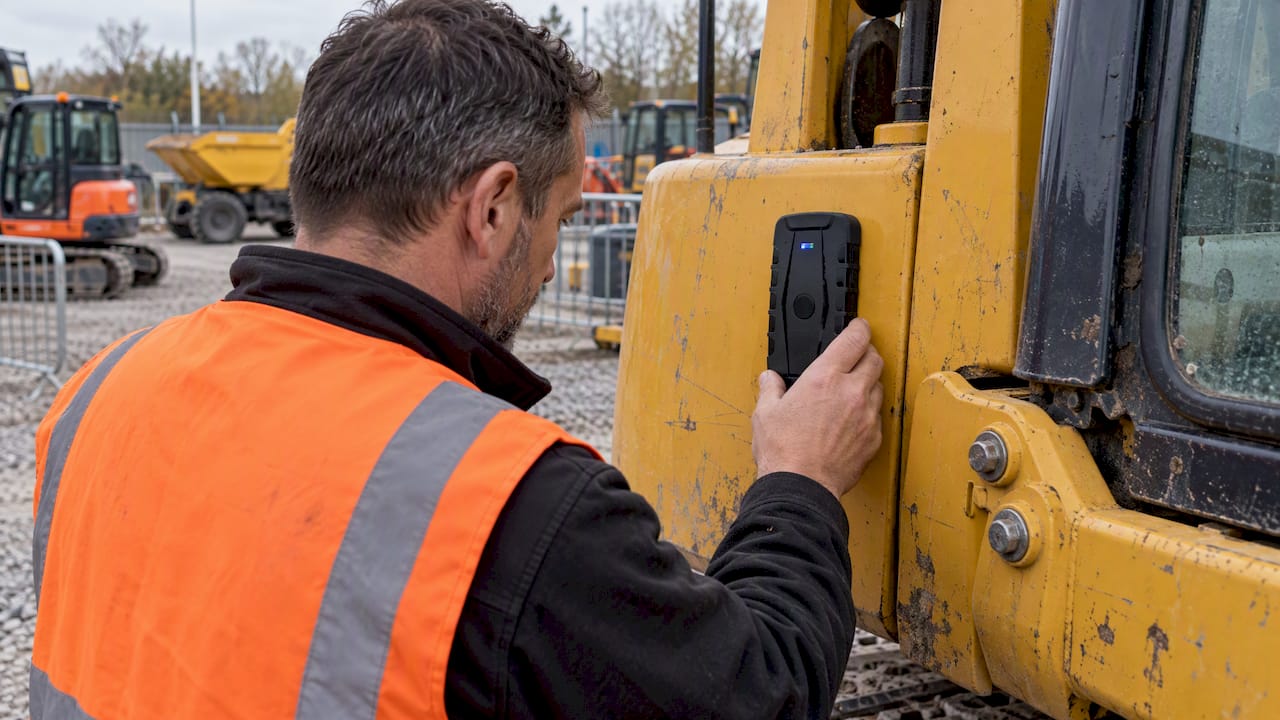
Dedicated GPS trackers plug into the vehicle’s OBD-II port, wire directly to the battery, or run on their own rechargeable battery. They report position independently of any occupant’s phone, which matters for fleet vehicles, trailers, or equipment that sits unattended.
Bluetooth item trackers like AirTags work over a short range and depend on nearby Apple devices relaying position. They are fine for a backpack or a key ring, but their patchy coverage makes them a poor substitute for continuous vehicle tracking.
- Native phone sharing: fastest setup, limited to active, charged phones
- Family-locator apps: good for households, higher battery use
- Dedicated GPS trackers: most reliable for unattended or business vehicles
- Bluetooth trackers: short range, not built for continuous vehicle monitoring
How to choose the right location-sharing method for your use case
Matching the method to the job avoids paying for features you don’t need or missing ones you do.
- Define the job. A one-time trip share calls for native phone sharing; ongoing teen-driver visibility or fleet monitoring calls for a dedicated tracker.
- Check the update interval. “Real-time” can mean anywhere from a few seconds to several minutes between pings, so confirm the interval matches how urgently you need to know where the vehicle is.
- Match power to installation. OBD-II and hardwired trackers draw from the vehicle and need no charging; battery-powered units need a known runtime and a low-battery alert.
- Review data custody. Ask who can see location history, how long it’s stored, and whether it’s shared with third parties before you commit to a vendor.
- Weigh the cost model. A subscription may suit occasional personal use; a one-time hardware purchase with API access for fleet software often costs less over a year or more of use.
- Document consent. Get written or texted agreement before tracking another adult’s vehicle, and keep a record of it.
Pro Tip: Write down the update interval and battery life from the product page before buying. Those two numbers predict most of the day-to-day frustration with any tracking device.
Step-by-step: set up and share live vehicle location now
Pick the scenario that matches your situation and follow it through.
- iOS Find My: Open Find My, tap “Me,” select “Share My Location,” choose a contact, and set the duration to one hour, until end of day, or indefinitely.
- Android/Google Maps: Open Google Maps, tap your profile photo, select “Location sharing,” choose a contact and a time window, then confirm.
- Family-locator app: Install the app, create or join a family circle, accept the invite on each phone, and enable background location permissions so sharing continues when the app is closed.
- Dedicated tracker: Install or plug in the device, confirm the cellular or GPS signal light is solid, add the vehicle to your map dashboard, set a geofence alert around home or a job site, and send a test ping before relying on it.
Privacy, consent, and legal considerations for tracking vehicles
Tracking a vehicle someone else drives carries real privacy weight, and the rules differ depending on who owns the vehicle and who’s riding in it.
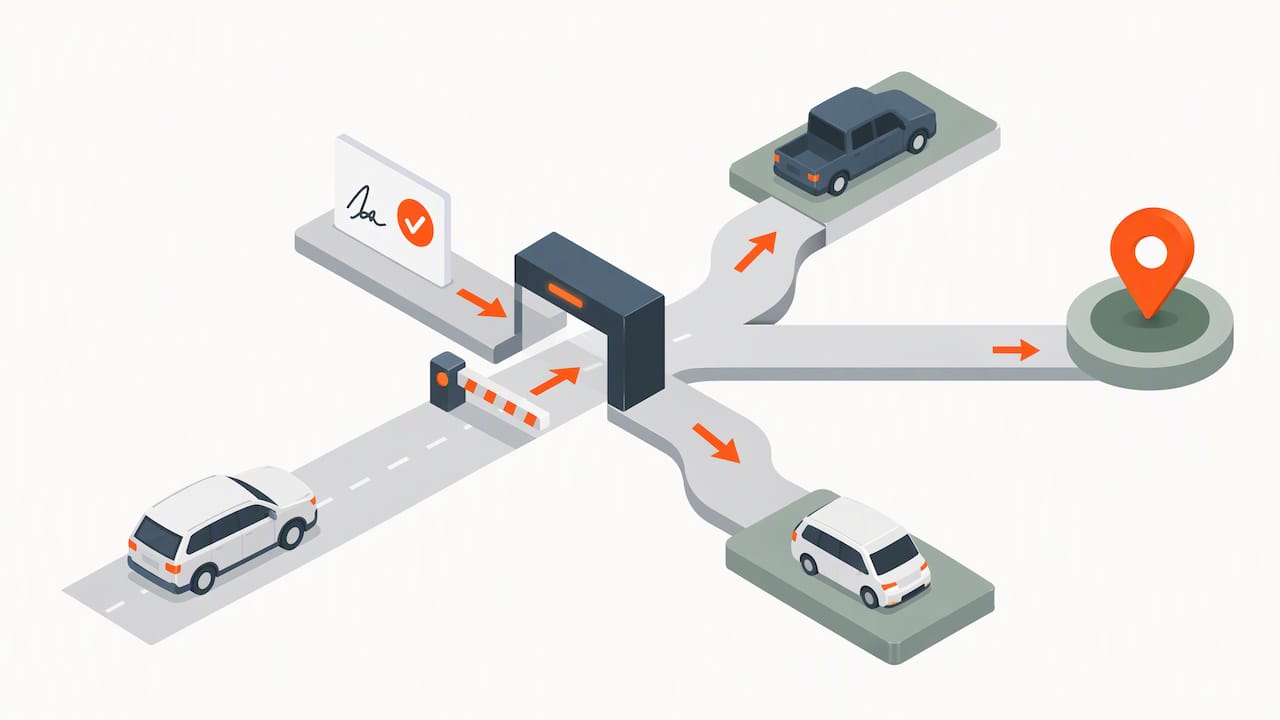
Get explicit consent before tracking an adult family member, a roommate, or an employee, and keep a simple written or texted record of that agreement. Employers monitoring company vehicles should review employee GPS tracking laws before rolling out fleet tracking, since consent and notice requirements vary.
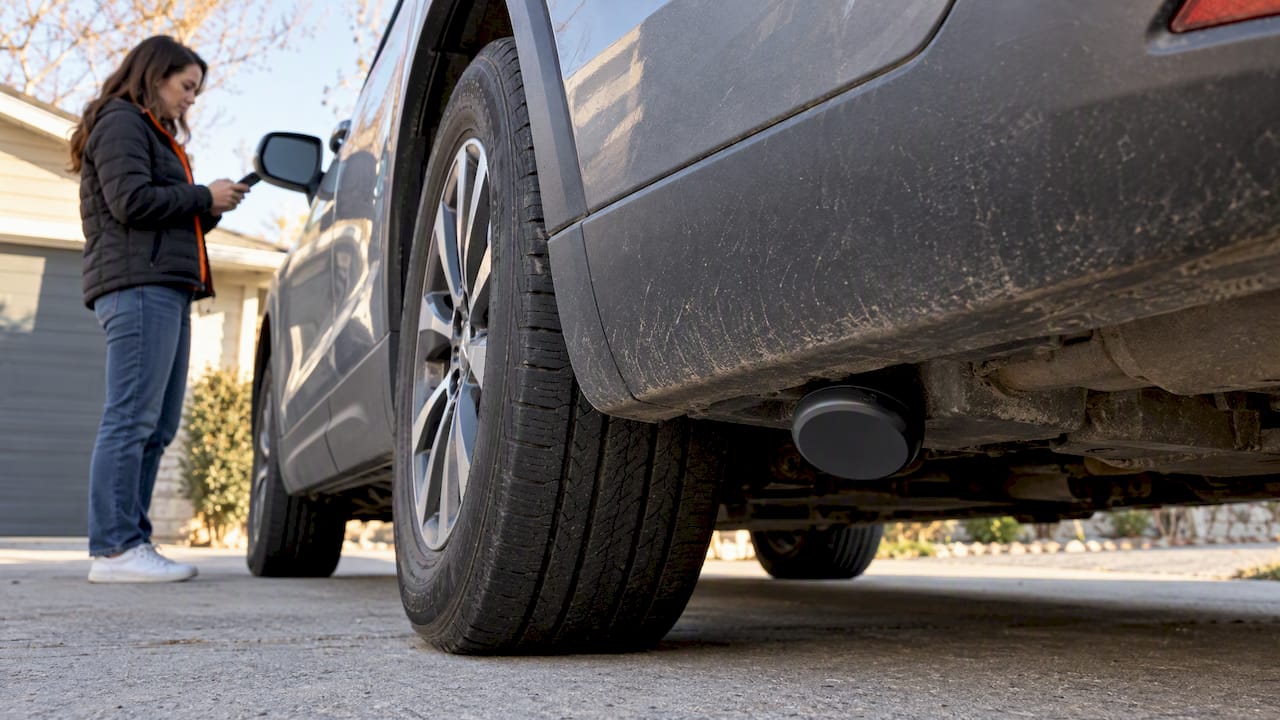
Both major phone platforms build in unwanted-tracking protection. iPhones alert users when an AirTag or other Find My accessory appears to be traveling with them, and Apple publishes steps to locate and disable a device that shouldn’t be there; Android users can run a scanning app to find unknown Find My-compatible trackers nearby.
Regulators are paying closer attention to vehicle location data. The FTC finalized an order in January 2026 requiring GM and OnStar to get affirmative consent before collecting, using, or sharing precise geolocation and driving behavior, and the order bans sharing that data with consumer reporting agencies for five years. That signals regulators now treat vehicle geolocation as sensitive data deserving explicit consent, not a buried checkbox in a terms-of-service agreement.
Courts have reached similar conclusions about government tracking. In United States v. Jones, the Supreme Court held that attaching a GPS device to a vehicle and monitoring it over an extended period, 28 days in that case, can count as a search under the Fourth Amendment.
Separately, investigations have found that many automaker companion apps send VINs and precise location data to outside advertising and analytics companies, sometimes linked to owner identifiers.
- Get written consent before tracking anyone besides yourself
- Favor vendors that limit third-party data sharing
- Turn off location history you don’t need
- Read the privacy policy before pairing a tracker to your phone
Common problems and fixes when sharing vehicle location
Most sharing failures trace back to permissions, placement, or power, not the app itself.
- No updates coming in: Check that background app refresh and location permissions are set to “Always,” and confirm the phone or tracker has active mobile data.
- Position looks off: Move the tracker where it has a clearer view of the sky, since metal panels and underbody mounting can distort GPS accuracy, and check for firmware updates.
- Device seems to die fast: Compare actual runtime against the listed battery life, and enable low-battery alerts so you know before the device goes dark; cold weather can shorten runtime, so check guidance on cold-weather performance if you’re in a cold climate.
- You want to stop sharing: Revoke access in the app’s sharing settings, remove the paired device from your account, or physically unplug a hardwired tracker.
Pro Tip: If a tracker misses pings for more than a day despite a full charge, swap it to a different vehicle before assuming it’s broken. A weak cellular zone, not the device, is often the real problem.
Publisher perspective: subscription-free trackers as a long-term option
Monthly subscription fees add up fast across a family of drivers or a small fleet, and that recurring cost is the real downside of most locator apps and many trackers. Hardware you buy once and own removes that ongoing bill while still delivering geofencing, mileage reports, and extended battery life, making it a practical choice for day-to-day fleet visibility. Choose a dedicated tracker over phone-based sharing whenever the vehicle needs monitoring independent of whoever happens to be driving it.
— Louis
How to get started with Moto Watchdog
Phone-based sharing works for a single trip, but a family tracking multiple drivers or a small business tracking several vehicles needs something that doesn’t depend on someone else’s phone staying charged and willing. Some trackers report position on their own without a monthly bill, and the dashboard handles geofencing, mileage reporting, and alerts across every vehicle on the account.

- Browse the Trackers lineup to find options that suit your needs
- Fleet owners and contractors can review API access options for dashboard integrations
- After purchase, plug in or mount the device, pair it to the app, and run a test ping before you rely on it day to day
Check availability and pick the tracker that matches your vehicle count on the Trackers page.
Sources
- FTC finalizes order settling allegations GM, OnStar collected, sold geolocation data without consumers
- Detect unwanted trackers and what to do — Apple Support
- United States v. Jones (2012) opinion
- Your car is sharing data with big tech companies, study finds
FAQ
Can someone track your vehicle without you knowing?
Yes, a hidden GPS tracker or a companion app with broad permissions can monitor a vehicle without the driver’s knowledge. iOS and Android both include alerts that notify you if a Find My-compatible accessory appears to be traveling with you without consent.
Can someone track your location without you knowing it?
It’s possible through a shared family-locator account, a Bluetooth tracker, or a phone app with location permissions enabled in the background. Checking your phone’s location-sharing settings and running a scan for unknown nearby trackers is the fastest way to find out.
How can I track my wife’s location on my iPhone?
Apple’s Find My app lets you share location between consenting family members through “Share My Location” after both phones accept the invitation. Tracking an adult’s location without their knowledge or agreement raises both privacy and, in some contexts, legal concerns, so consent should come first.
Why is there a car on location sharing?
A car icon appears in Find My or Google Maps location sharing when someone has turned on driving detection or is actively sharing their location from inside a moving vehicle. It typically reflects real-time movement rather than a separate vehicle-tracking feature layered onto the app.