How to start saving money
Lorem ipsum dolor sit amet, consectetur adipiscing elit lobortis arcu enim urna adipiscing praesent velit viverra sit semper lorem eu cursus vel hendrerit elementum morbi curabitur etiam nibh justo, lorem aliquet donec sed sit mi dignissim at ante massa mattis.
- Neque sodales ut etiam sit amet nisl purus non tellus orci ac auctor
- Adipiscing elit ut aliquam purus sit amet viverra suspendisse potent
- Mauris commodo quis imperdiet massa tincidunt nunc pulvinar
- Excepteur sint occaecat cupidatat non proident sunt in culpa qui officia
Why it is important to start saving
Vitae congue eu consequat ac felis placerat vestibulum lectus mauris ultrices cursus sit amet dictum sit amet justo donec enim diam porttitor lacus luctus accumsan tortor posuere praesent tristique magna sit amet purus gravida quis blandit turpis.

How much money should I save?
At risus viverra adipiscing at in tellus integer feugiat nisl pretium fusce id velit ut tortor sagittis orci a scelerisque purus semper eget at lectus urna duis convallis. porta nibh venenatis cras sed felis eget neque laoreet suspendisse interdum consectetur libero id faucibus nisl donec pretium vulputate sapien nec sagittis aliquam nunc lobortis mattis aliquam faucibus purus in.
- Neque sodales ut etiam sit amet nisl purus non tellus orci ac auctor
- Adipiscing elit ut aliquam purus sit amet viverra suspendisse potenti
- Mauris commodo quis imperdiet massa tincidunt nunc pulvinar
- Adipiscing elit ut aliquam purus sit amet viverra suspendisse potenti
What percentege of my income should go to savings?
Nisi quis eleifend quam adipiscing vitae aliquet bibendum enim facilisis gravida neque. Velit euismod in pellentesque massa placerat volutpat lacus laoreet non curabitur gravida odio aenean sed adipiscing diam donec adipiscing tristique risus. amet est placerat in egestas erat imperdiet sed euismod nisi.
“Nisi quis eleifend quam adipiscing vitae aliquet bibendum enim facilisis gravida neque velit euismod in pellentesque”
Do you have any comments? Share them with us on social media
Eget lorem dolor sed viverra ipsum nunc aliquet bibendum felis donec et odio pellentesque diam volutpat commodo sed egestas aliquam sem fringilla ut morbi tincidunt augue interdum velit euismod eu tincidunt tortor aliquam nulla facilisi aenean sed adipiscing diam donec adipiscing ut lectus arcu bibendum at varius vel pharetra nibh venenatis cras sed felis eget.
Yes, GPS speed alerts are widely available right now, and the right choice depends entirely on who’s asking. Individual drivers get solid results from a navigation app like Google Maps or a dedicated speed-alert app. Fleet managers need more: a dedicated GPS tracker or telematics system with in-cab alerts and manager-side reporting.
- Solo drivers: A phone-based navigation app with speed limit indicators covers most needs at no added cost.
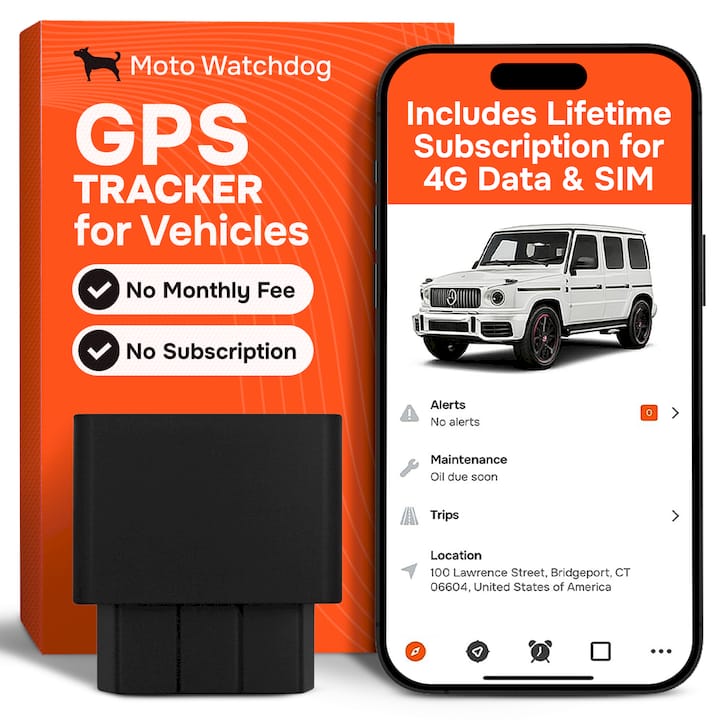
- Fleet managers: A subscription-free GPS tracker with configurable thresholds, like Moto Watchdog’s hardware, delivers governance that a phone app cannot.
Speed enforcement and engineering controls remain proven parts of crash-risk reduction, and GPS-based alerts extend that same principle down to the vehicle level, whether that vehicle belongs to a commuter or a ten-truck contracting crew.
Key Takeaways
GPS speed alerts work by comparing live GPS speed against map-based limit data, and fleets get the most reliable results from dedicated hardware rather than phone apps.
| Point | Details |
|---|---|
| Two audiences, two tools | Solo drivers do well with Google Maps or a speed-alert app; fleets need dedicated trackers with manager reporting. |
| Thresholds control noise | Minor and major thresholds, plus a short duration window, cut false alerts without missing real speeding. |
| GPS speed is the default | Most systems use instantaneous GPS speed since vehicle diagnostic speed isn’t consistently available across models. |
| Fleet policy needs weighting | Weight events by magnitude, duration, and zone type to prioritize coaching instead of reacting to every alert. |
| Motowatchdog fits fleet governance | Subscription-free GPS trackers from Motowatchdog give fleets real-time alerts, custom thresholds, and no monthly fee. |
Table of Contents
- How Do GPS Speed Alerts Actually Detect Speeding?
- What Types of Speed Alert Tools Are Available?
- Which Speed Alert Solution Fits Your Situation?
- How Do You Set Up Speed Alerts?
- Why Do Speed Alerts Sometimes Misfire?
- How Should Fleets Deploy Speed Alerts?
- Why Does a Subscription-Free Tracker Matter for Fleets?
- Get Fleet-Grade Speed Alerts Without the Monthly Bill
- Sources
How Do GPS Speed Alerts Actually Detect Speeding?
Every GPS speed alert system runs the same basic comparison: your device’s calculated speed against a posted speed limit pulled from a map database. Most systems use instantaneous GPS-derived speed rather than the vehicle’s own speedometer reading, largely because diagnostic speed data isn’t consistently available across makes and models, while GPS gives every vendor the same baseline.
Thresholds typically come in two tiers. A minor alert might trigger at 5 mph over the limit, and a major alert at 10 mph over, mirroring the default thresholds built into Google’s Navigation SDK. Many systems also require the speed to hold for a few consecutive seconds before firing, which cuts down on alerts triggered by a quick downhill roll.
Alerts reach you through several channels:
- Visual cues, like a speedometer that changes color
- Audio chimes or verbal warnings
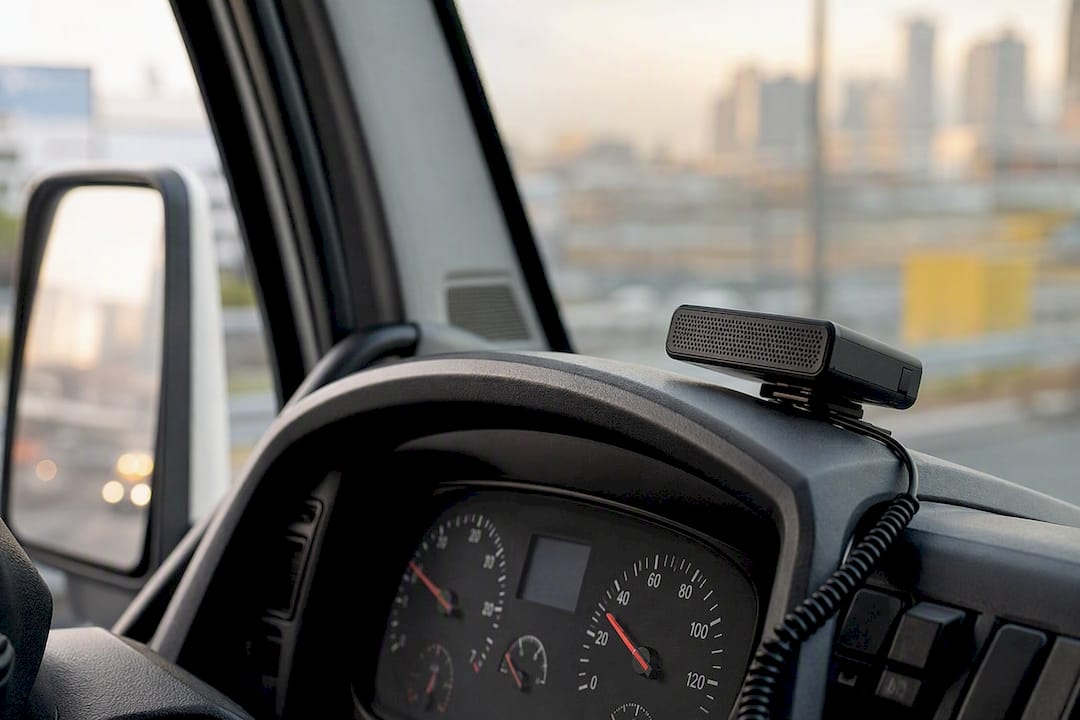
- In-cab displays on dedicated hardware
- Push notifications to a fleet manager’s dashboard
Pro Tip: Start with wider thresholds and short duration windows, then tighten them once you see how often real alerts fire versus false ones.
What Types of Speed Alert Tools Are Available?
Four distinct categories cover almost every use case, and picking the wrong one is the most common mistake drivers and fleet managers make.
- Smartphone navigation apps, led by Google Maps, which shows a speedometer that changes color when you exceed the posted limit and now works on iPhone and CarPlay as well as Android.
- Standalone speed-alert apps, including Speed/Limit for GPS speed alerts and Speedometer, a speed limit alert app built for iOS, both of which layer alerts on top of OpenStreetMap-sourced limit data.
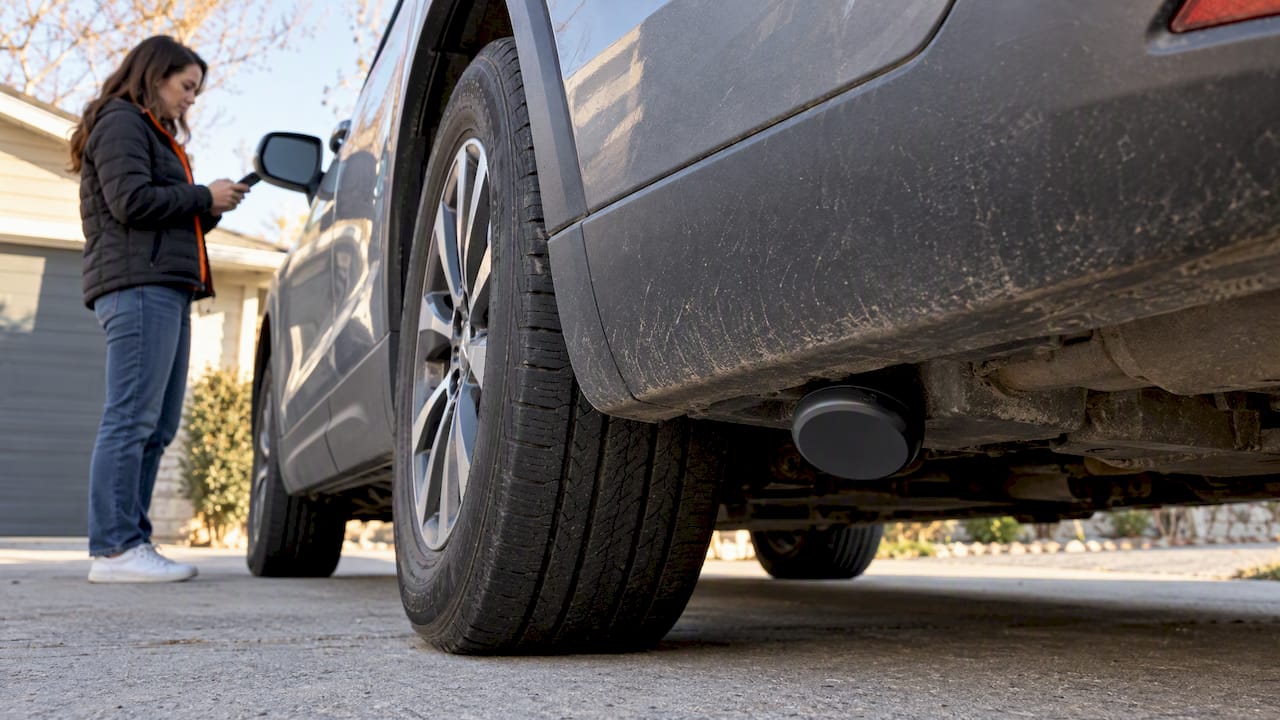
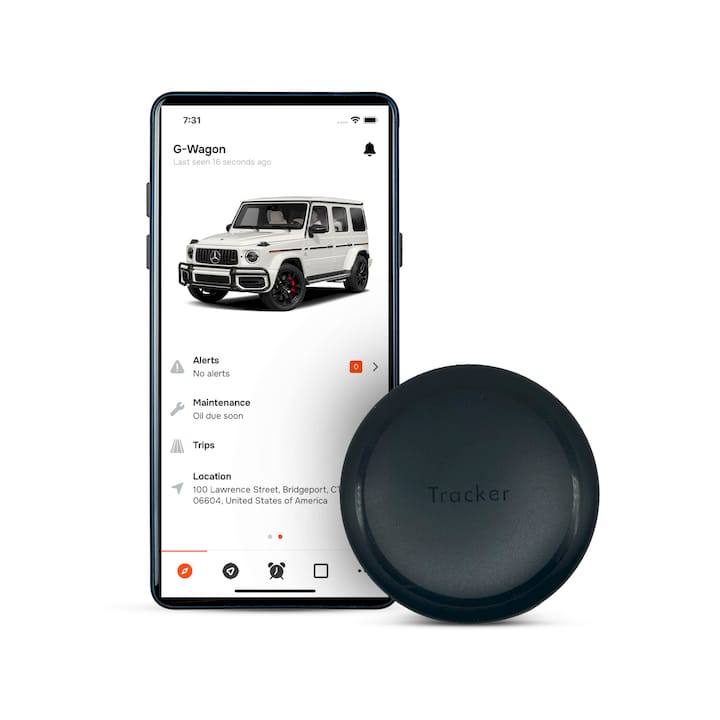
- Dedicated GPS trackers and fleet telematics, which add hardwired installation, long battery life, and manager-facing reporting that phone apps simply don’t offer.
Cost models vary sharply. OEM features and Google Maps cost nothing extra. Standalone apps run anywhere from free with ads to a small one-time purchase. Fleet-grade trackers involve a hardware purchase, and subscription-free models like Moto Watchdog skip the recurring fee entirely. Phone apps win on setup speed; dedicated trackers win on accuracy and accountability.
Which Speed Alert Solution Fits Your Situation?
The right tool changes based on who’s driving and who’s accountable for the outcome.
- Solo commuters get most of the benefit from Google Maps’ free speedometer, a low-friction nudge with no hardware required.
- Parents monitoring a teen driver often want something with a manager-facing alert, which points toward a basic tracker rather than an app installed on a phone the teen controls.
- Small-business owners with a handful of vehicles need alerts they can review without chasing down each driver’s phone, which is where a purpose-built device starts to pay off.
- Enterprise fleets require standardized thresholds, consistent reporting, and data that plugs into HR and insurance workflows.
For fleet managers specifically, a hardwired or dedicated GPS tracker beats a phone-only approach for one simple reason: phones get left in the cab, switched off, or run out of battery, and none of that shows up in an insurance audit. A subscription-free device that mounts to the vehicle removes that failure point and gives you a consistent record regardless of which driver is behind the wheel that day.
How Do You Set Up Speed Alerts?
Getting alerts running takes a few minutes on most platforms.
- Open Google Maps, go to Settings, then Navigation settings, and toggle on the speedometer under Driving options.
- On iPhone and CarPlay, the same speedometer and speed limit display now appear once the feature is enabled in the app.
- For a standalone speed-alert app, install it, then grant location access (“always allow”), enable background app refresh, and turn on notifications.
- For a fleet-grade GPS tracker, configure the reporting interval, set minor and major speed thresholds, and decide whether alerts go to the driver, the fleet manager, or both.
Fleet setups need a bit more attention up front: shorter reporting intervals catch speeding sooner but use more battery and data, while separating driver-facing alerts from manager-facing alerts keeps coaching conversations calmer.
One caution worth repeating: treat every GPS-based reading, including your vehicle’s own speedometer, as informational. None of these tools substitute for the legal speed confirmation that comes from your vehicle’s certified speedometer or law enforcement equipment.
Why Do Speed Alerts Sometimes Misfire?
GPS accuracy has real limits, and understanding them saves you from chasing phantom problems. Signal multipath in urban canyons, infrequent reporting intervals, and a few seconds of latency between actual speed and reported speed all contribute to noise. There’s also a structural gap: GPS-calculated speed and vehicle diagnostic speed aren’t always the same number, and most systems default to GPS because it’s the only universal metric across vehicle brands.
Map data adds its own wrinkles. A work zone with a temporary 45 mph limit or a school zone that drops to 20 mph for two hours a day won’t always reflect in a speed limit database in real time, which produces alerts that feel wrong even when the system worked exactly as designed.
Fixes that actually help:
- Shorten the reporting interval so speed changes register faster.
- Use an averaged speed calculation in stop-and-go traffic to smooth out GPS jitter.
- Set duration windows (require 5+ seconds over threshold) so brief blips don’t count.
Pro Tip: Test any new threshold configuration on a known route before rolling it out fleet-wide. Driving the same road at the posted limit tells you in ten minutes whether your settings are too tight.
Configurable thresholds paired with a short duration requirement are genuinely effective at cutting false positives while still catching the speeding that matters.
How Should Fleets Deploy Speed Alerts?
Rolling out speed alerts across a fleet works best as a staged process rather than an all-at-once switch.
- Set thresholds by vehicle class and zone type. A box truck and a service van don’t need identical limits.
- Pilot the configuration on two or three vehicles before deploying fleet-wide.
- Configure in-cab alerts for drivers and a separate notification stream for managers.
- Set a reporting cadence, weekly for most fleets, daily for high-risk routes.
Once data starts flowing, weight events by how they happened, not just that they happened. A 3 mph overage for two seconds on a highway means something different than a sustained 15 mph overage through a school zone. That weighting is what turns raw alerts into a real coaching program.
- Schedule targeted coaching sessions based on the highest-weighted events, not raw alert counts.
- File event reports into driver records for consistent HR documentation.
- Keep a clean export ready for insurer conversations, since documented safety programs and technology-based interventions can support better terms.
Why Does a Subscription-Free Tracker Matter for Fleets?
The ongoing cost of telematics adds up fast across a ten- or twenty-vehicle fleet, and that’s the practical case for subscription-free hardware. A one-time device purchase with real-time alerts, long battery life, and multi-device management delivers the core speed-alert capability without a recurring line item eating into margins every month.
- Real-time alerts flag speeding as it happens, not after a monthly report lands.
- Long battery life keeps devices reporting even on vehicles that sit idle for days.
- Multi-device dashboards let one manager watch an entire fleet from a single view.
- No recurring fee means the cost case gets easier every year the device stays in service.
Crash-avoidance technology, broadly, is recognized by IIHS as a meaningful part of reducing crash severity, and speed governance tools fit squarely into that category when deployed consistently across a fleet.
A Practical Note on Rolling This Out
Most of the friction I’ve seen in speed-alert rollouts isn’t technical, it’s political: drivers hear “tracking” and assume punishment before they hear “coaching.” The fix is boring but reliable: share the threshold logic openly before the first alert ever fires.
Get Fleet-Grade Speed Alerts Without the Monthly Bill
Everything covered above points toward one practical conclusion for fleet managers: phone apps are fine for a single driver, but a fleet needs hardware that doesn’t depend on someone remembering to keep their phone charged and their app open. Motowatchdog builds exactly that, subscription-free GPS trackers that give you real-time speed alerts and customizable thresholds without adding a recurring fee to your operating budget.

Here’s what you get with the hardware:
- Real-time speed and location alerts sent straight to your dashboard
- Customizable thresholds by vehicle or route
- Data exports that plug into HR and insurer reporting workflows
- Long battery life and a one-time purchase model with no monthly fee
If you manage even a handful of vehicles, visit the Motowatchdog GPS tracking page to see device options and get a tracker running on your fleet this week.
Sources
- Countermeasures that work: speeding and speed management — NHTSA
- Check your speed - Google Maps Help
- Speed alerts — Navigation SDK — Google Developers