How to start saving money
Lorem ipsum dolor sit amet, consectetur adipiscing elit lobortis arcu enim urna adipiscing praesent velit viverra sit semper lorem eu cursus vel hendrerit elementum morbi curabitur etiam nibh justo, lorem aliquet donec sed sit mi dignissim at ante massa mattis.
- Neque sodales ut etiam sit amet nisl purus non tellus orci ac auctor
- Adipiscing elit ut aliquam purus sit amet viverra suspendisse potent
- Mauris commodo quis imperdiet massa tincidunt nunc pulvinar
- Excepteur sint occaecat cupidatat non proident sunt in culpa qui officia
Why it is important to start saving
Vitae congue eu consequat ac felis placerat vestibulum lectus mauris ultrices cursus sit amet dictum sit amet justo donec enim diam porttitor lacus luctus accumsan tortor posuere praesent tristique magna sit amet purus gravida quis blandit turpis.

How much money should I save?
At risus viverra adipiscing at in tellus integer feugiat nisl pretium fusce id velit ut tortor sagittis orci a scelerisque purus semper eget at lectus urna duis convallis. porta nibh venenatis cras sed felis eget neque laoreet suspendisse interdum consectetur libero id faucibus nisl donec pretium vulputate sapien nec sagittis aliquam nunc lobortis mattis aliquam faucibus purus in.
- Neque sodales ut etiam sit amet nisl purus non tellus orci ac auctor
- Adipiscing elit ut aliquam purus sit amet viverra suspendisse potenti
- Mauris commodo quis imperdiet massa tincidunt nunc pulvinar
- Adipiscing elit ut aliquam purus sit amet viverra suspendisse potenti
What percentege of my income should go to savings?
Nisi quis eleifend quam adipiscing vitae aliquet bibendum enim facilisis gravida neque. Velit euismod in pellentesque massa placerat volutpat lacus laoreet non curabitur gravida odio aenean sed adipiscing diam donec adipiscing tristique risus. amet est placerat in egestas erat imperdiet sed euismod nisi.
“Nisi quis eleifend quam adipiscing vitae aliquet bibendum enim facilisis gravida neque velit euismod in pellentesque”
Do you have any comments? Share them with us on social media
Eget lorem dolor sed viverra ipsum nunc aliquet bibendum felis donec et odio pellentesque diam volutpat commodo sed egestas aliquam sem fringilla ut morbi tincidunt augue interdum velit euismod eu tincidunt tortor aliquam nulla facilisi aenean sed adipiscing diam donec adipiscing ut lectus arcu bibendum at varius vel pharetra nibh venenatis cras sed felis eget.
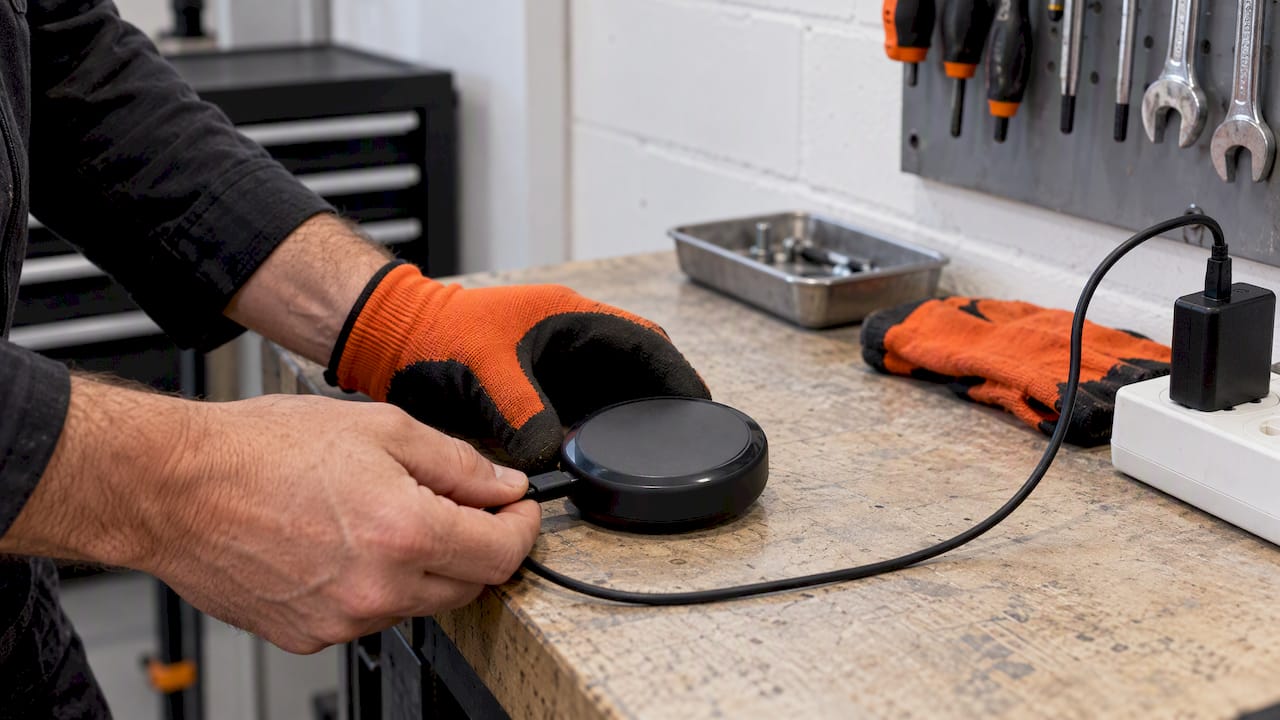
Use the cable the tracker shipped with, or a plain 5V USB adapter, connected to the device’s intended port. Avoid fast chargers rated above 5V, since they can overheat small lithium-ion packs, and stop charging immediately if the unit feels hot or looks swollen. A steady LED will confirm the device is charging correctly, and most trackers reach a full charge within a few hours.
TL;DR:
- Use only a 5V USB power source and avoid fast chargers above that voltage to prevent overheating or damage to lithium-ion batteries.
- Check all connectors and ports for dirt, corrosion, or damage, and wait several minutes if the tracker has been unused before expecting a charging indicator.
- Regularly inspect cables and port contacts, and disconnect immediately if the device becomes hot or swollen during charging.
- Keep spare batteries in carry-on luggage only, and cover terminals to prevent short circuits when traveling by air.
- Adjust reporting frequency and avoid extreme temperatures to extend battery life and reduce the need for frequent recharges.
Table of Contents
- Common charging methods and connectors
- Why 5V matters and what the charging LEDs tell you
- Step-by-step charging checklist
- Troubleshooting common charging problems
- Battery safety, thermal risks, and disposal
- Traveling with trackers and spare batteries
- Everyday maintenance to extend battery life
- How reporting settings shape charging frequency
- FAQ
- Sources
Common charging methods and connectors
Most personal and vehicle GPS trackers use one of four charging setups, and knowing which one applies to your device prevents a lot of guesswork.
- USB-C or micro-USB cables are standard on personal and pet trackers, plugging directly into the device or a charging cradle.
- Magnetic puck chargers snap onto contact points on compact trackers, common with pet collars and small personal units.
- Clip or pin chargers use spring-loaded contacts that grip exposed metal pads, often found on rugged outdoor and asset trackers.
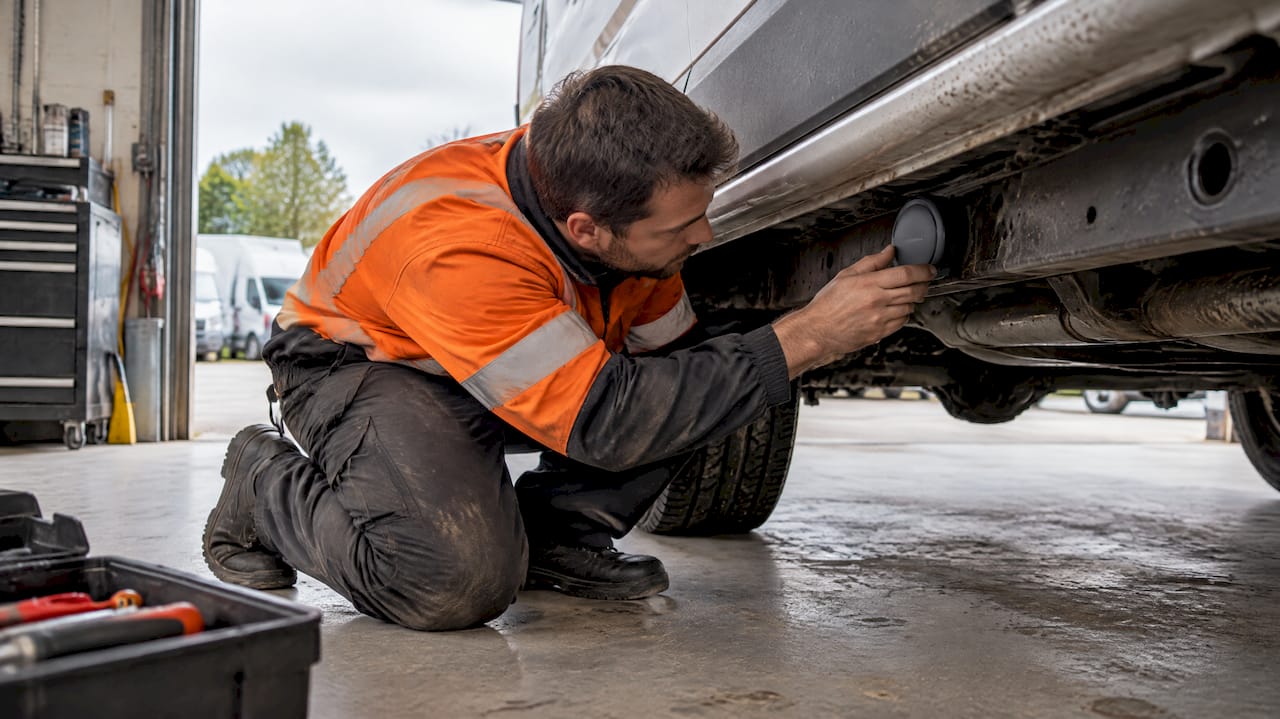
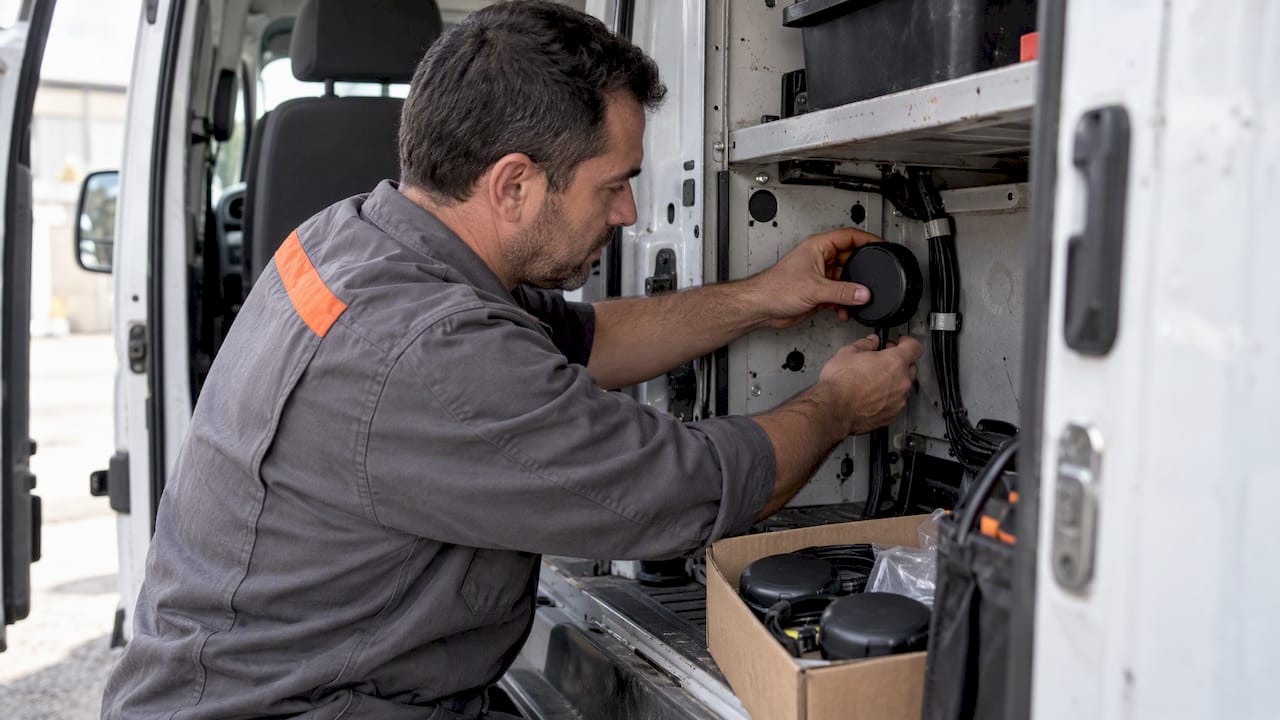
- Hardwired connections tap directly into a vehicle’s electrical system, typical for fleet and equipment trackers that run continuously.
Pet and personal trackers lean toward USB-C or magnetic charging because they are compact and need to be weatherproof. Vehicle and asset trackers more often use hardwired power since they draw from the vehicle itself rather than an internal battery. Whichever method applies, use the original cable when you have it, since generic cables sometimes have the wrong pin spacing or wire gauge. Before each charge, check the connector and port for bent pins, corrosion, or debris that could cause a poor connection.
Why 5V matters and what the charging LEDs tell you
Most personal GPS trackers are built for a 5V USB power source, and that number is not arbitrary. Small lithium-ion cells are designed around a narrow voltage window, and manufacturer guidance on tracker charging warns that higher-voltage fast chargers can overheat the pack or damage the circuitry that regulates the charge.
Charging times vary by device and battery size, but a full charge from empty typically takes a few hours. LED behavior gives you a quick status check:
- Steady red usually means the battery is actively charging.
- Steady green usually signals a full charge.
- Blue or flashing blue often indicates moisture has been detected in the port.
One pattern worth remembering: when a deeply discharged tracker has sat unused for a long time, it can take several minutes with no LED at all before the battery recovers enough voltage to show a charging light. If the LED behaves oddly, confirm the adapter outputs 5V, try a different USB port, and give the device a few extra minutes before assuming something is wrong.
Step-by-step charging checklist
Follow the same sequence every time you charge a tracker, and you will avoid most of the common failures.
- Inspect the cable and port for lint, corrosion, or bent pins.
- Confirm your power source outputs 5V, not a fast-charge voltage.
- Connect the cable or magnetic charger securely until it clicks or seats flush.
- Watch the LED or companion app for a charging confirmation.
- For a tracker that has been dead a while, wait several minutes before expecting a signal.
- Disconnect once the LED turns green or the app shows a full charge.
Pro Tip: If the device feels warm to the touch or the casing looks puffed, unplug it immediately and do not reconnect it until you have inspected it for damage.
Troubleshooting common charging problems
When a tracker won’t charge, the cause is usually one of a handful of things, and most are fixable without replacing the device.
- No LED at all: swap in a different known-good 5V USB cable and port, then wait several minutes, since a deeply discharged battery can take time to show a status light.
- Dirty or oxidized contact pins: gently clean magnetic or clip-style contacts with a dry toothbrush or lint-free cloth, since even light buildup can block a connection.
- Wet charging port: unplug the device, let it air dry fully, and wait about 24 hours before trying again rather than forcing a connection while damp.
- Persistent failure after these steps: if the LED still won’t respond, the cable, charger, or battery itself may be worn out, and it’s worth checking the tracker’s warranty before buying a replacement part.
Most charging issues trace back to a loose connection or a battery that needs a little patience to recover, not a defective unit. If none of these steps resolve it, contact the manufacturer’s support team with the device model and a description of what you have already tried.
Battery safety, thermal risks, and disposal
Lithium-ion batteries are generally safe, but a damaged or poorly made charger can push a cell into thermal runaway, where internal heat builds faster than it can escape. Watch for a casing that swells, a device that gets hot to the touch during charging, or any sign of venting or odor, and if you notice any of these, stop charging immediately and move the device away from flammable materials.
- Swelling or excessive heat means stop charging right away and isolate the device outdoors or on a nonflammable surface.
- Cheap or uncertified chargers raise this risk, and the CPSC has warned consumers to stop using specific defective battery chargers because of fire and burn hazards.
- Never toss a lithium-ion battery in household trash: the EPA recommends taking damaged or end-of-life batteries to a municipal hazardous-waste facility or following the manufacturer’s take-back program instead.
Sticking with the charger that came with your tracker, or a well-reviewed replacement from a known brand, is one of the simplest ways to avoid these risks altogether.
Traveling with trackers and spare batteries
If you’re flying with a tracker or a spare battery for one, TSA rules require spare, uninstalled lithium-ion batteries and power banks to travel in carry-on baggage only, never in checked luggage.
- Keep spare batteries in your carry-on, not in a checked bag.
- Larger packs approaching the common 100 Wh consumer limit may need airline approval, so check with your carrier ahead of time.
- Cover battery terminals with tape or a plastic cap and pack cables separately to avoid accidental shorting in transit.
Everyday maintenance to extend battery life
How often you need to charge a tracker depends heavily on how it’s configured. A device reporting location every few seconds for live tracking will drain far faster than one set to check in periodically. Adjusting the reporting interval or relying on geofencing instead of constant live tracking is one of the most reliable ways to stretch time between charges.
- Set longer reporting intervals for everyday use and reserve live tracking for when you actually need it.
- Store a spare battery or unused device at roughly 40 to 60 percent charge rather than full or empty.
- Avoid leaving trackers in extreme heat or cold, which accelerates battery wear over time.
- Keep the companion app and device firmware updated, since updates sometimes reduce unnecessary wake-ups that drain the battery.
Pro Tip: A tracker left at 100% charge in a hot car will age faster than one stored at a partial charge in a cooler spot.
How reporting settings shape charging frequency
Configuration choices matter as much as the charger itself. Devices built for subscription-free GPS tracking are designed with long battery life in mind, and features like customizable geofencing let you limit live tracking to the moments that matter, such as a vehicle leaving a job site. Wider reporting intervals mean fewer location pings and less battery drain between charges. For fleet and contractor use, pairing longer intervals with geofenced alerts, a strategy covered in our piece on teen driver tracking, can stretch the time between charging sessions considerably without losing visibility into where a vehicle or asset is.
— Louis
FAQ
How do I scan my car for a hidden tracking device with my phone?
Some smartphone apps can detect Bluetooth or Wi-Fi signals from certain tracking devices, but this method won’t catch every tracker, especially ones that use only cellular or GPS signals. A physical inspection of common hiding spots, such as the undercarriage, wheel wells, and trunk liner, is more reliable if you suspect an unauthorized device.
How do I troubleshoot a Tractive tracker that won’t charge?
Try a different known-good 5V USB cable and port first, since a deeply discharged battery may take several minutes to show any charging light. If the port looks wet, dry it fully and wait about 24 hours before trying again, and clean any visible dirt from the contact pins with a dry, soft brush.
How do I manually reboot a GPS tracker that’s frozen?
Most trackers can be reset by holding the power button for several seconds until the LED cycles or the device restarts, though the exact sequence varies by model. Check the manufacturer’s help documentation for your specific device, since some models use a recessed reset pin instead of a button.
Is a GPS tracker free to use?
The tracking device itself has an upfront cost, and some services add monthly subscription fees on top of that. Our trackers are sold as a one-off purchase starting at $124.99 with no recurring subscription fees required to keep tracking active.
Sources
- How to charge your tracker – Tractive Help Center
- CPSC: Stop using HTRC C240 battery chargers (2024)
- TSA — What can I bring? lithium batteries guidance
- EPA — Recycle used lithium-ion batteries