How to start saving money
Lorem ipsum dolor sit amet, consectetur adipiscing elit lobortis arcu enim urna adipiscing praesent velit viverra sit semper lorem eu cursus vel hendrerit elementum morbi curabitur etiam nibh justo, lorem aliquet donec sed sit mi dignissim at ante massa mattis.
- Neque sodales ut etiam sit amet nisl purus non tellus orci ac auctor
- Adipiscing elit ut aliquam purus sit amet viverra suspendisse potent
- Mauris commodo quis imperdiet massa tincidunt nunc pulvinar
- Excepteur sint occaecat cupidatat non proident sunt in culpa qui officia
Why it is important to start saving
Vitae congue eu consequat ac felis placerat vestibulum lectus mauris ultrices cursus sit amet dictum sit amet justo donec enim diam porttitor lacus luctus accumsan tortor posuere praesent tristique magna sit amet purus gravida quis blandit turpis.

How much money should I save?
At risus viverra adipiscing at in tellus integer feugiat nisl pretium fusce id velit ut tortor sagittis orci a scelerisque purus semper eget at lectus urna duis convallis. porta nibh venenatis cras sed felis eget neque laoreet suspendisse interdum consectetur libero id faucibus nisl donec pretium vulputate sapien nec sagittis aliquam nunc lobortis mattis aliquam faucibus purus in.
- Neque sodales ut etiam sit amet nisl purus non tellus orci ac auctor
- Adipiscing elit ut aliquam purus sit amet viverra suspendisse potenti
- Mauris commodo quis imperdiet massa tincidunt nunc pulvinar
- Adipiscing elit ut aliquam purus sit amet viverra suspendisse potenti
What percentege of my income should go to savings?
Nisi quis eleifend quam adipiscing vitae aliquet bibendum enim facilisis gravida neque. Velit euismod in pellentesque massa placerat volutpat lacus laoreet non curabitur gravida odio aenean sed adipiscing diam donec adipiscing tristique risus. amet est placerat in egestas erat imperdiet sed euismod nisi.
“Nisi quis eleifend quam adipiscing vitae aliquet bibendum enim facilisis gravida neque velit euismod in pellentesque”
Do you have any comments? Share them with us on social media
Eget lorem dolor sed viverra ipsum nunc aliquet bibendum felis donec et odio pellentesque diam volutpat commodo sed egestas aliquam sem fringilla ut morbi tincidunt augue interdum velit euismod eu tincidunt tortor aliquam nulla facilisi aenean sed adipiscing diam donec adipiscing ut lectus arcu bibendum at varius vel pharetra nibh venenatis cras sed felis eget.
Rental geofence enforcement means drawing virtual boundaries around the places a machine is allowed to be, then acting on the alert the moment it crosses one. For a heavy equipment rental fleet, the boundaries are usually the yard, the contracted jobsite and the allowed operating area, and the enforcement is a written rule: what happens when a unit leaves, who gets the alert and what the customer was told in the contract. Moto Watchdog trackers include customizable geofencing alerts and push notifications with no monthly fees, so every unit in the fleet can carry its own boundary without a recurring bill.
TL;DR
- Geofence enforcement has three parts: a boundary, an alert and a contract clause the renter has seen. Without all three, an alert is only information.
- Set one boundary per job: the yard, the jobsite and, where the contract limits it, the permitted county or region.
- Size zones for real GPS error and use after-hours and idle-time rules, so alerts mean something and the team does not learn to ignore them.
- Disclose tracking in the rental agreement. Some states restrict how location data can be used or sold, and California limits tracking renters to impose fines in rental cars.
- A one-time-purchase tracker with unlimited users and no activation fees keeps the per-unit cost fixed for the life of the machine.
Table of Contents
- What rental geofence enforcement actually is
- How to set geofence boundaries and alerts for rented equipment
- What a fleet should do when a unit crosses a geofence
- Reducing false alerts and handling GPS gaps
- Location privacy and the rules around rental tracking in the U.S.
- What to tell customers about tracking
- The operating case for enforcing geofences
- Why a no-subscription tracker fits rental fleets
- Put a tracker on every rental unit
- FAQ
- Sources
What rental geofence enforcement actually is
A geofence is a virtual boundary on a map. The tracker on the machine reports its position over a cellular network, and the software compares that position to the boundary. When the machine enters or leaves, the system sends a notification to the phone or dashboard of the person responsible.
Enforcement is what you do next. A geofence by itself only tells you where a unit is. Enforcement turns it into a rental control with four pieces:
- A boundary that matches the contract. The zone reflects what the renter agreed to: a jobsite address, a county, a state line.
- A trigger. Exit, entry, movement outside agreed hours, or a unit that sits running and idle outside the zone.
- A response. A named person who calls the renter, with a script and a time limit.
- A consequence written in the agreement. A fee, a recall, a repossession step, or simply a documented conversation.
Most rental losses that geofences address are the same few: a unit hauled to a second site, equipment used on a weekend, a machine that leaves the region, or theft from an unattended yard. Each calls for a slightly different zone, which the next section covers.
How to set geofence boundaries and alerts for rented equipment
Start with the way the unit will be used, not with the software settings.
Step 1: Pick the zone type for each risk
| Risk | Boundary | Alert trigger |
|---|---|---|
| Theft from your yard | Your yard and a margin around it | Any exit outside business hours |
| Machine moved to an unapproved site | The contracted jobsite | Exit from the jobsite |
| Use outside the permitted region | County, state or radius from the jobsite | Exit from the region |
| Weekend or night use | Jobsite | Movement or engine activity outside agreed hours |
| Unit parked at a yard that is not yours or the customer’s | Known tow or storage lots | Entry into the zone |
For a long-term rental, draw the jobsite zone around the whole work area plus haul road access, not only the pad where the machine starts. If the contract allows a unit to move between two sites of the same customer, create two zones and treat movement between them as normal.
Step 2: Match the alert to the person who can act
An exit alert sent to a shared inbox gets seen late. Send it as a push notification to the dispatcher or rental coordinator on duty, and have a backup for nights and weekends. Moto Watchdog lets you manage multiple devices from the mobile app and share access, so the person on call can see the same units as the office.
Step 3: Add context to the geofence
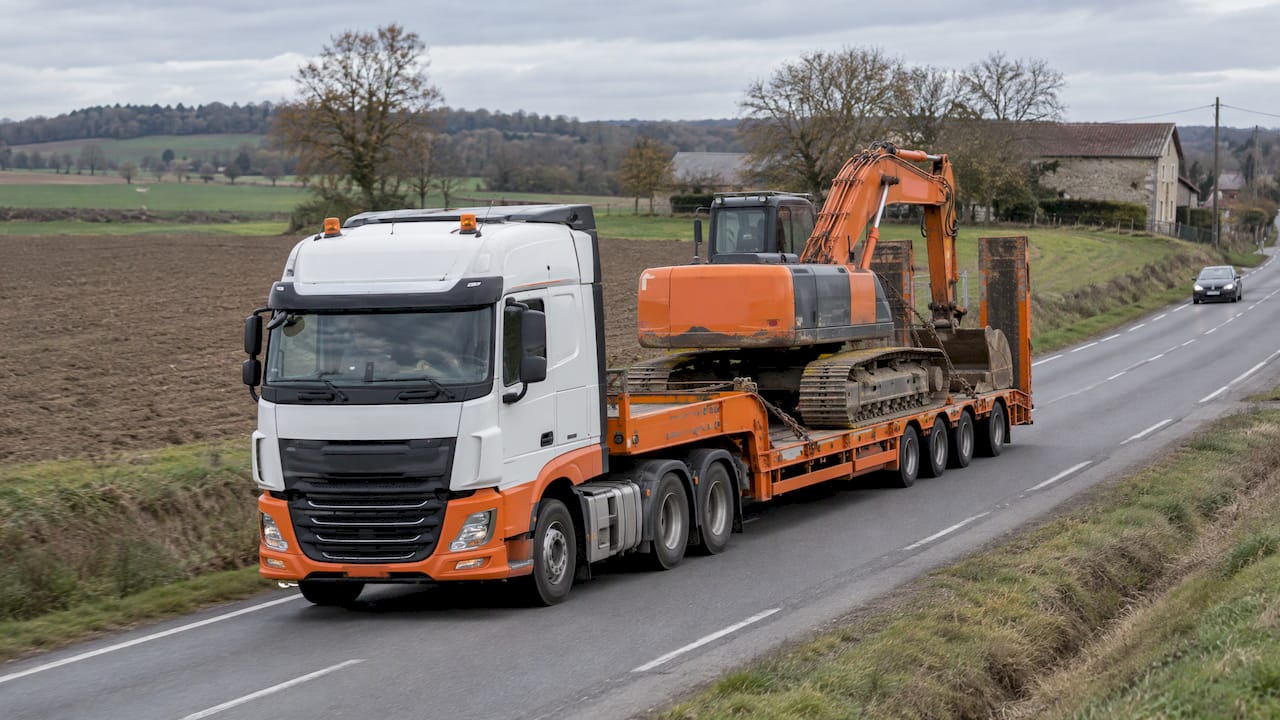
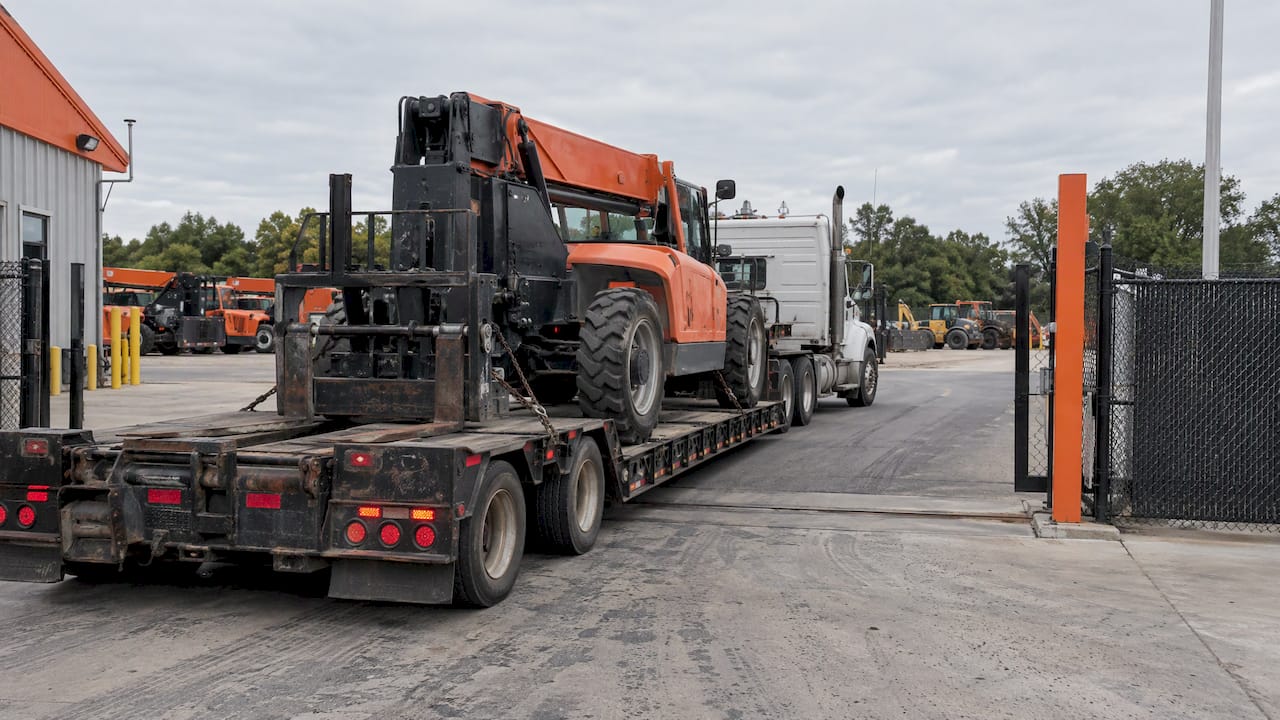
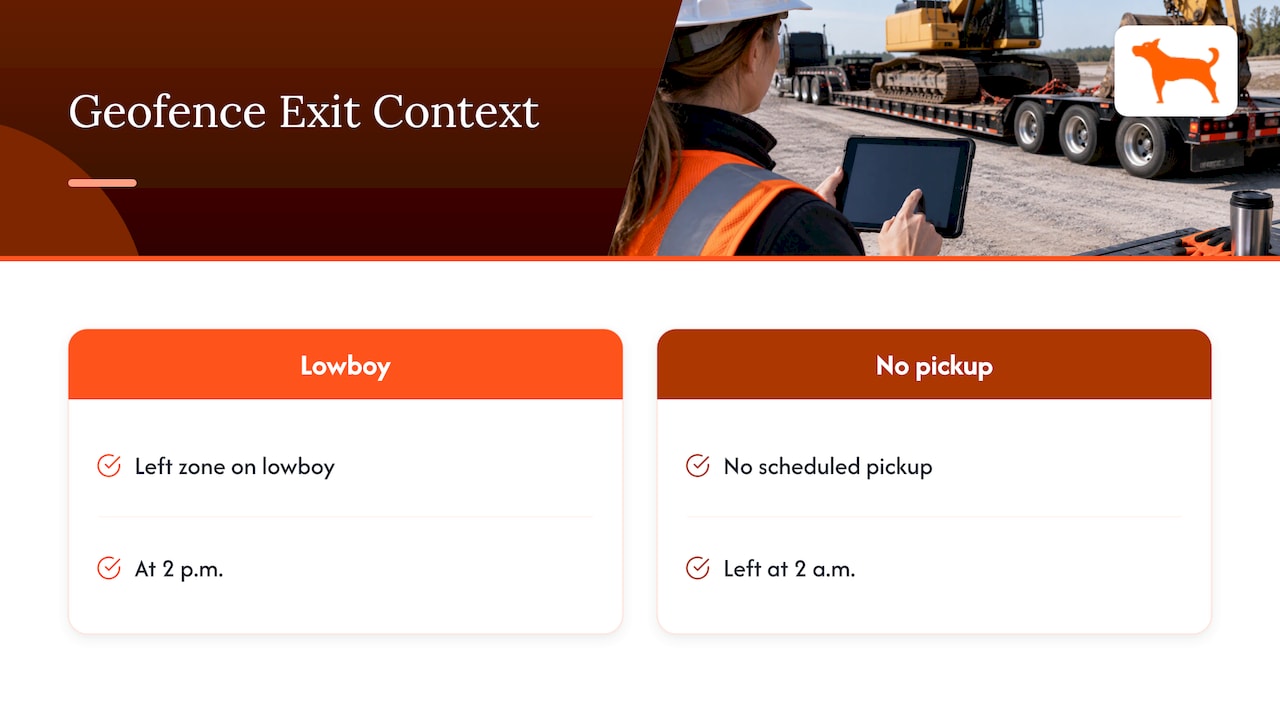
A geofence exit alone does not say whether the machine is being trailered or driven. Pair it with the other data the tracker reports: trip and mileage reports, idle time tracking and the location history. A dozer that left the zone on a lowboy at 2 p.m. looks very different from one that left at 2 a.m. with no scheduled pickup.
Step 4: Test every zone before the unit ships
Walk or drive the boundary with a tracker in hand before it goes on rent. Confirm that the entry and exit alerts fire where you expect and that your gate and storage area sit inside, not on, the line.
Step 5: Record the zone on the rental ticket
Write the zone, the permitted hours and the alert rule into the work order. When you later call a renter about an exit, you are referring to the document they signed.
What a fleet should do when a unit crosses a geofence
Speed matters most in the first hour. A written playbook keeps different dispatchers from handling the same alert differently.
- Check the unit’s history. Open the location trail and see whether the move was gradual, which suggests a drive or a haul, or sudden.
- Check the contract. Was a transfer approved? Is the renter allowed to relocate within a region?
- Call the renter. Open with a question: you noticed the unit moved, can they confirm where it is going? Most exits turn out to be a late-approved move or a driver mistake.
- Document the call with the time, the person and the answer. Save a screenshot of the alert and trail.
- Escalate by rule. If the renter cannot explain the exit within your set window, move to the recall or recovery step in your agreement. If you suspect theft, report it to local law enforcement and share the live location with the officers.
- Close the loop. Update the geofence if the move was legitimate, so the next alert on that job is accurate.
Keep the consequence proportionate. The more closely a charge corresponds to a real cost, such as a hauling fee or a recall, the easier it is to defend. A law-journal analysis of tracking in rental contracts recommends telling customers how tracking data relates to any charges, and communicating surcharges before assessing them.
Reducing false alerts and handling GPS gaps
A fleet that gets fifty meaningless alerts a week stops reading them. Most false alarms come from three causes.
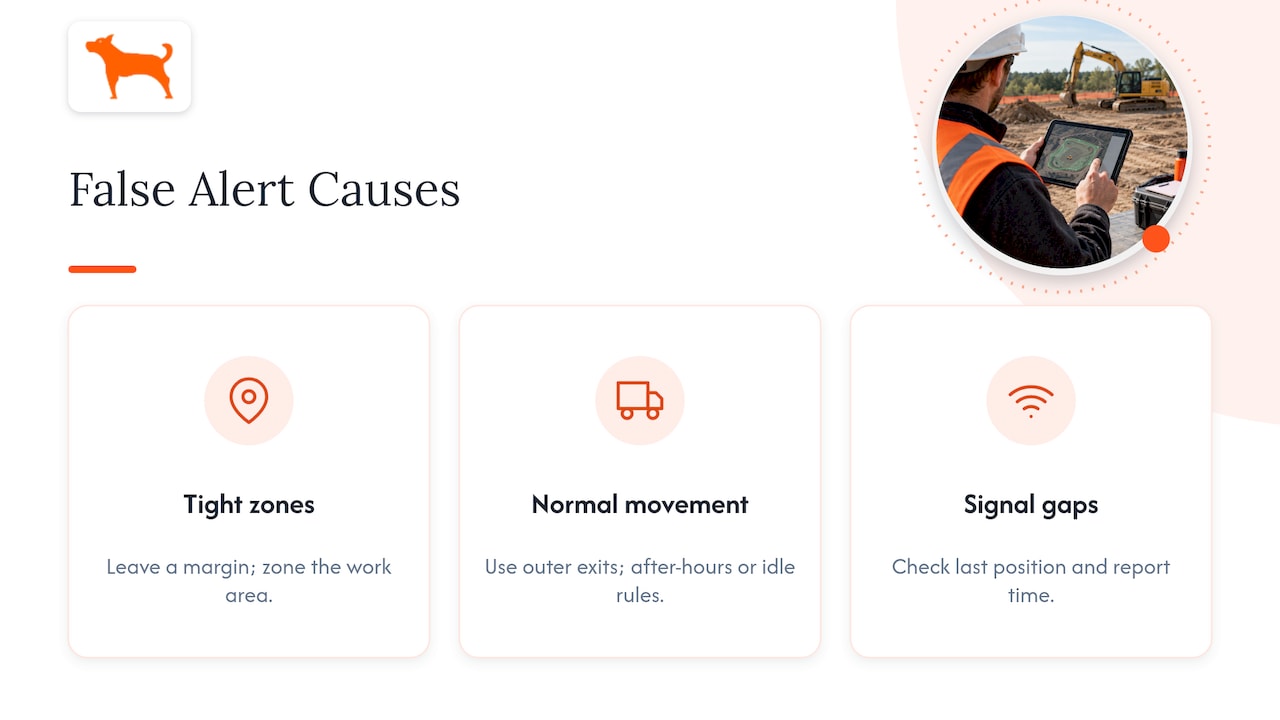
Zones drawn too tight. GPS position is not exact. The U.S. government states that GPS-enabled smartphones are typically accurate to within about 16 feet under open sky, and accuracy gets worse near buildings, trees and steep cuts. A boundary drawn along a fence line will flicker. Leave a margin around the property, and draw the zone around the work area rather than the exact parcel line.
Alerts for normal movement. Machines move around a yard all day. Use exit alerts for the outer boundary, and use after-hours or idle rules for the internal behavior you care about.
Connectivity gaps. Machines working in canyons, basements, tunnels or remote areas can lose a cellular signal. Look at the last reported position and the time it was reported before assuming the worst. Moto Watchdog devices come with lifetime 4G data included and global coverage, and the long battery life of the device helps keep a unit reporting between charges or when its power source is disconnected.
A practical rule: set a check-in expectation per unit. If a machine in a geofence has not reported in a set number of hours, treat that as its own event and call the site.
Location privacy and the rules around rental tracking in the U.S.
Tracking equipment is different from tracking people, but a machine’s position can reveal where an operator is. Keep these points in view.
- Disclose tracking in the agreement. In the law-journal review of consumer rental tracking, courts allowed tracking in rental contracts as long as customers were clearly and conspicuously notified. Say what technology is used, what data is collected and why.
- California limits rental-car geofence use. AB 2741 lets rental car companies use geofencing to detect a vehicle taken out of the country without authorization or into an impound or tow yard, and it prohibits tracking renters to impose fines or surcharges. It concerns rental cars, not construction equipment, but it shows the direction of regulation, so write your fees around damage, recall and contract terms rather than around location data alone.
- State privacy laws are growing. The Electronic Frontier Foundation reports that new location-privacy laws have taken effect in Connecticut, Maryland, New Jersey, Oregon and Virginia, all banning the sale of precise geolocation data. Do not sell or share location data from your units, and keep access limited to the staff who need it.
- Government contracts may require tracking. California’s Department of Transportation requires bare-rental equipment to report run time and location at intervals of no more than five minutes and to give designated staff data access through a cloud-based system. If you rent to public agencies, check the terms of each contract.
For questions about your specific agreements or state, a licensed attorney in your state should review your rental contract language.
What to tell customers about tracking
Put a short, plain clause in every rental agreement and repeat it on the work order:
- That GPS tracking devices are installed on the equipment.
- What is collected: location, movement, run time, and trip history.
- Why: security, recovery, maintenance scheduling and compliance with the contract.
- Which boundaries apply: the jobsite, the permitted area, the permitted hours.
- What happens when the equipment leaves them, including any fee and its amount.
Customers generally accept tracking when the terms are clear. The disputes arise over surprise fees.
The operating case for enforcing geofences
Geofencing earns its place through four practical results:
- Faster theft response. An alert when a unit leaves an unattended yard gives you minutes, not days.
- Contract compliance. Renters know the machine’s location is visible, which discourages moving a unit to a second job.
- Cleaner billing. Trip history, mileage and idle time help you document actual use.
- Better maintenance. Usage data supports maintenance reminders, so service is scheduled by actual hours and miles.
The cost to plan for is mainly the work of keeping zones accurate and answering alerts. Build both into a job’s setup checklist, and the system stays quiet and credible.
Why a no-subscription tracker fits rental fleets
Rental fleets turn over units, lengthen or shorten terms and park machines for months between jobs. Per-unit monthly tracking fees keep running on a machine that sits idle. A one-time purchase does not. With Moto Watchdog, there are no monthly or recurring fees, no activation fees and no add-ons, and the system supports unlimited vehicles and users on one dashboard, so adding a dispatcher or a new unit does not change the price.
Our view on geofence enforcement
Most rental fleets do not fail at geofencing because the technology is weak. They fail because the alert has no owner and no consequence. We build around the opposite idea: every unit should carry its own boundary, every alert should reach a person who can act, and the cost should not rise just because you added a machine or a user.
That is why we sell trackers as a one-time purchase, with lifetime 4G data included, customizable geofencing alerts, idle time tracking and mileage reporting in the same app. More than 1,000 businesses rely on our accuracy. For a rental company, the benefit is that you can put a tracker on every unit, including the ones that sit for a season, and keep the whole fleet visible on one dashboard.
Start with a clear boundary, a named responder and a contract clause the renter has read. The tracker then does what it is meant to do: tell you quickly, and accurately, when a machine is not where it should be.
Louis
Put a tracker on every rental unit
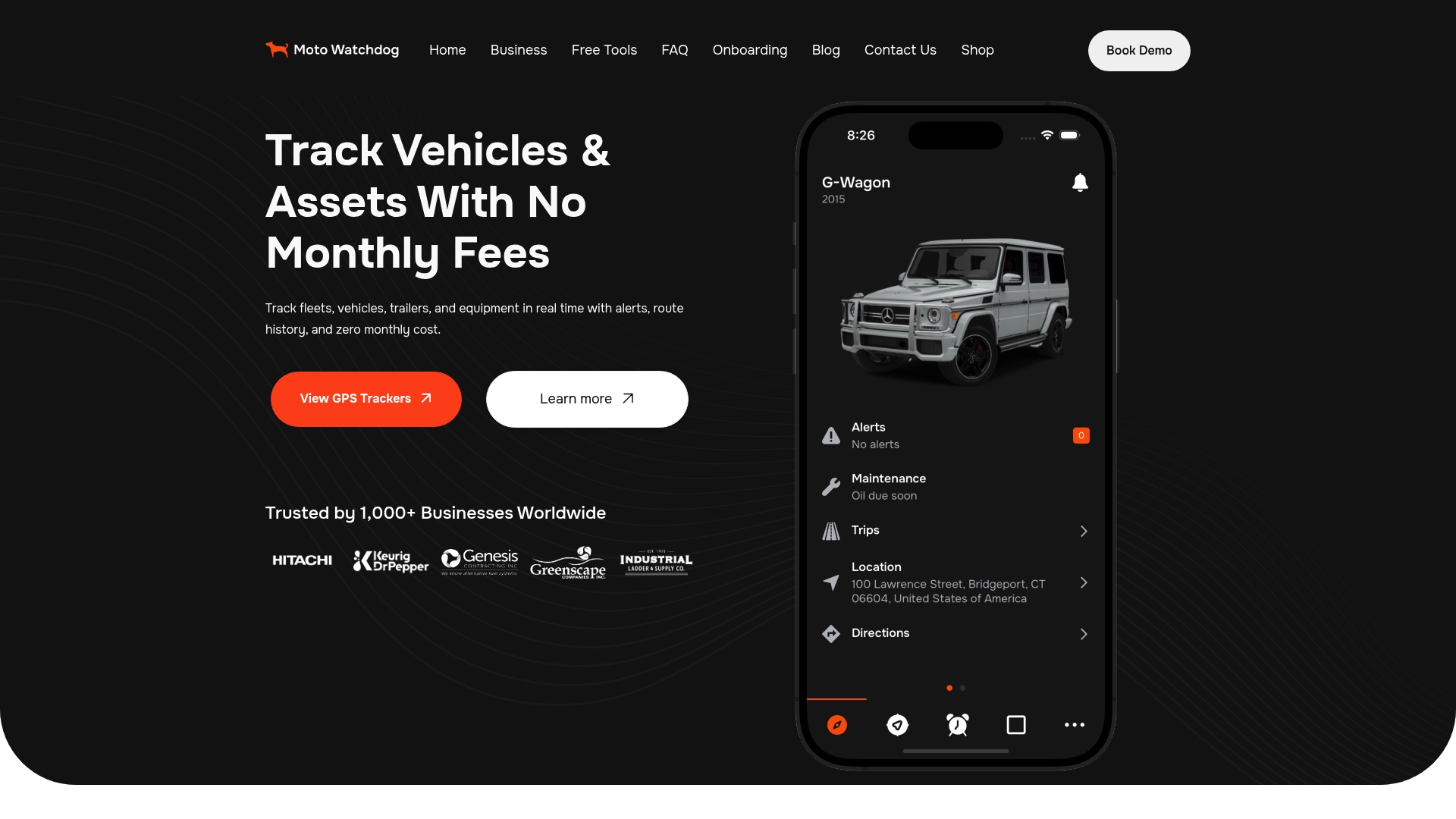
Moto Watchdog GPS trackers start at $124.99 as a one-time purchase, with real-time location, customizable geofence alerts, push notifications, trip and mileage reports, idle time tracking and maintenance reminders managed from a free mobile app. Lifetime 4G data is included, and there is no monthly fee to carry across a fleet. Sales and support questions get a same-day reply.
For fleets that want to connect tracking data to their own systems, we offer API access for business accounts, and you can ask about it on our business page.
FAQ
What is a geofence alert?
A geofence alert is a notification sent when a tracked unit enters or leaves a virtual boundary you drew on a map. In a rental fleet, it usually goes to a dispatcher’s phone as a push notification. The alert tells you that something happened, and your playbook decides what you do about it.
Can I use geofences to charge renters for leaving the permitted area?
Often yes for equipment, if the rental agreement clearly discloses tracking, the permitted area and the amount of any fee before the rental begins. Keep the charge tied to a real cost such as recovery or hauling. Some laws restrict this for rental cars; California’s AB 2741 prohibits tracking renters to impose fines or surcharges. Have an attorney review your contract language for your state.
How big should a rental geofence be?
Big enough that normal GPS variation does not set it off, and small enough to mean something. Draw it around the whole work area with a margin rather than along the property line. Test it with a tracker before the unit goes out, and adjust after any false alert.
What if a machine loses its signal inside a geofence?
Check the last reported position and time. Machines in remote areas, tunnels or deep excavations can lose a cellular connection and report again when they come back into coverage. Set a rule to call the site if a unit has not checked in within a set number of hours.